Formal review
A round-based review process: collecting comments, disposition, revision, final approval and an audit report.
An approval is a single decision: a person approves or rejects. When your quality process requires a document to go through collecting comments, dispositioning them, revising and re-approving before publication (IEEE 1028 inspection, ISO 9001 document control), you use a review instead. The two live side by side; review does not replace approval.
How the process works
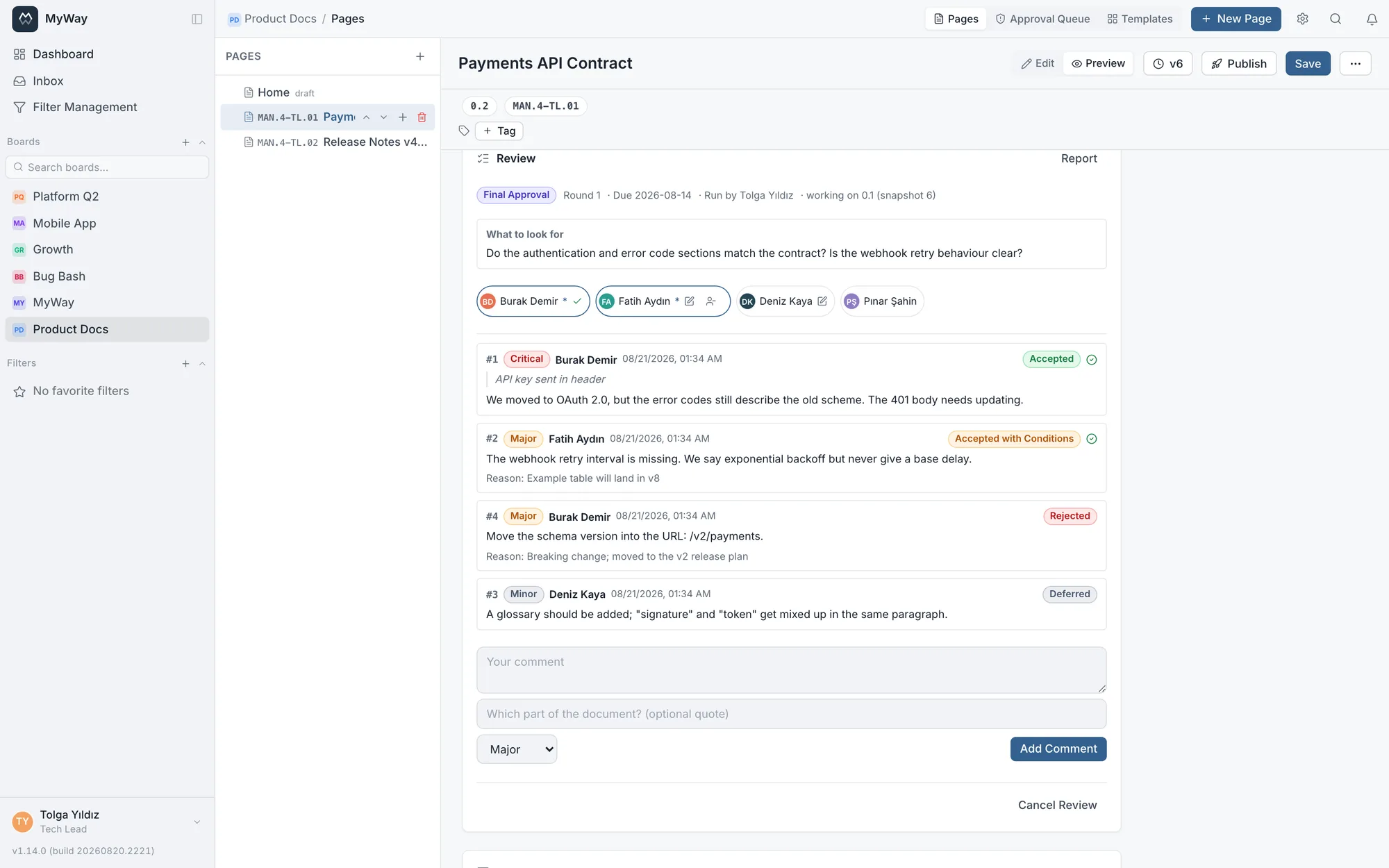
- 1Collecting comments · Participants read the document and write what they see, each with a severity. Nobody is obliged to comment; a reviewer may simply find nothing wrong.
- 2Disposition · The person running the review closes every comment with a decision. Rejected and conditional decisions require a written reason.
- 3Revision · Accepted items are applied to the document and marked as resolved once addressed.
- 4Final approval · Everyone invited approves. If someone says “I have comments” in this round, the process returns to disposition and the round counter goes up.
- 5Ready to publish · Approvals complete and the page becomes publishable.
Comment severities and decisions
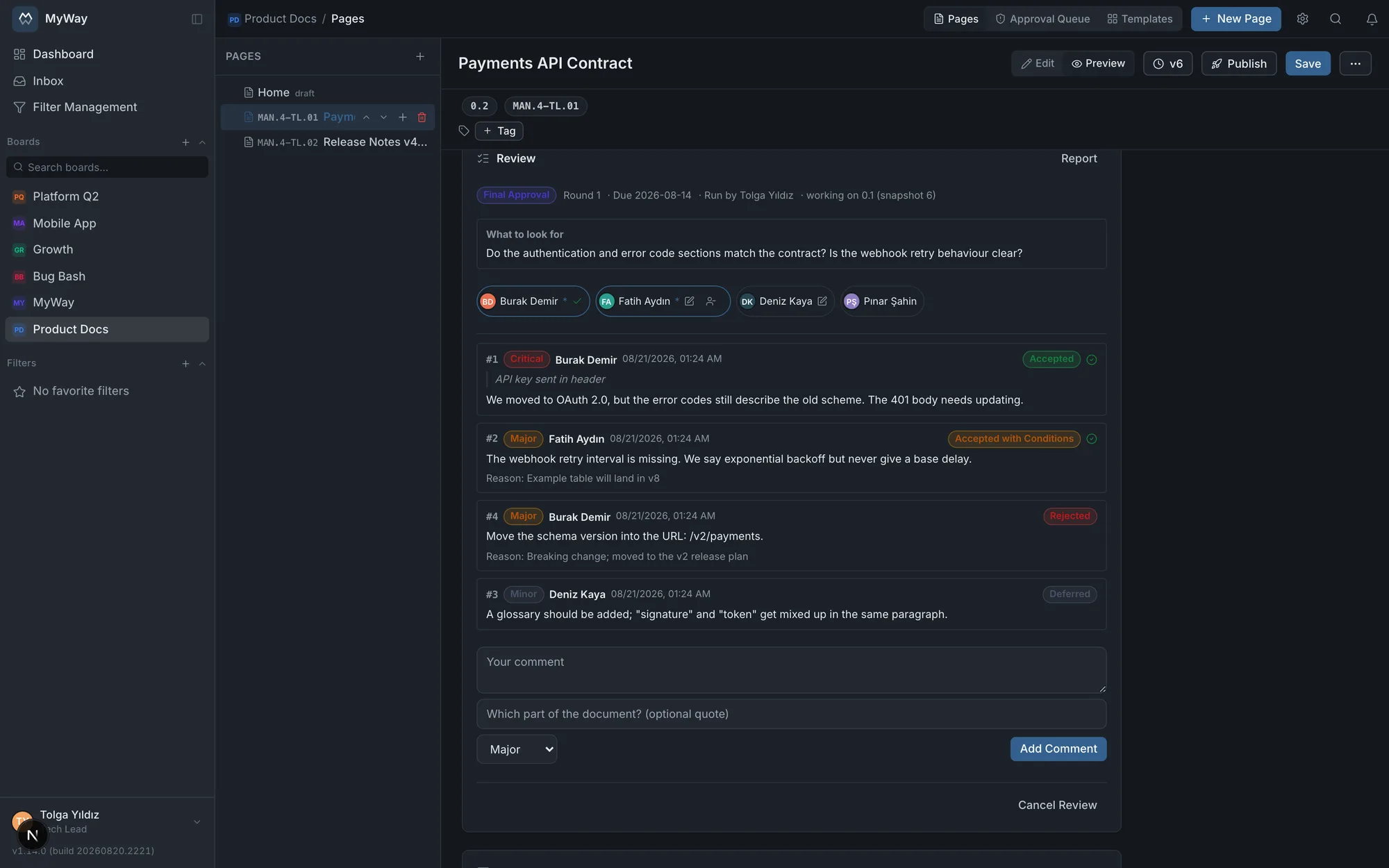
- Severity: Critical, Major, Minor, Editorial. The list is ordered by severity, so critical items stay on top.
- Decision: Accepted, Accepted with conditions, Rejected, Duplicate, Deferred.
- Severity and decision options are fixed and do not vary per board. If they did, cross-board comparison and the audit report would lose their meaning.
- Comments belong to a round: round 2 comments never blur into round 1.
Participants
- A participant can be a person or a group. When you pick a group, its members become individual participants as the review starts: someone later removed from the group does not retroactively change who had to approve.
- People marked “approval required” gate the closing of comment collection. In final approval, everyone invited has a say.
- If someone never responds and blocks the process, the person running the review can waive their approval; that is recorded in the report too.
- Anyone without access to the board is silently dropped from the participant list.
If you set a due date, a reminder goes out one day before to participants who have not commented yet. The review does not close by itself when the date passes; closing stays your decision so that a late comment is never silently discarded.
The document freezes, findings get numbers
- While a review is open, the document’s content and title cannot be changed; they reopen for the rework round. Everyone looks at the same version - the sentence you are commenting on does not change under you.
- Every finding receives a permanent number (#1, #2), identical in the panel and in the audit report. Saying “the third finding” in a meeting points at exactly one thing.
- When the review completes and the document is published, the published version is stamped onto the review (“1.0 published”) and that record never changes again.
- If someone says “I have comments” in final approval and the process steps back, the reason they wrote is shown on the step it returned to.
The publish lock
A page with a review in progress cannot be published. The lock is created by the review itself; there is no board-wide switch that forces every page through a review. Not every page deserves the process, and making it mandatory would turn it into ceremony. Once the review completes, the “Publish” button in the page editor unlocks.
The audit report
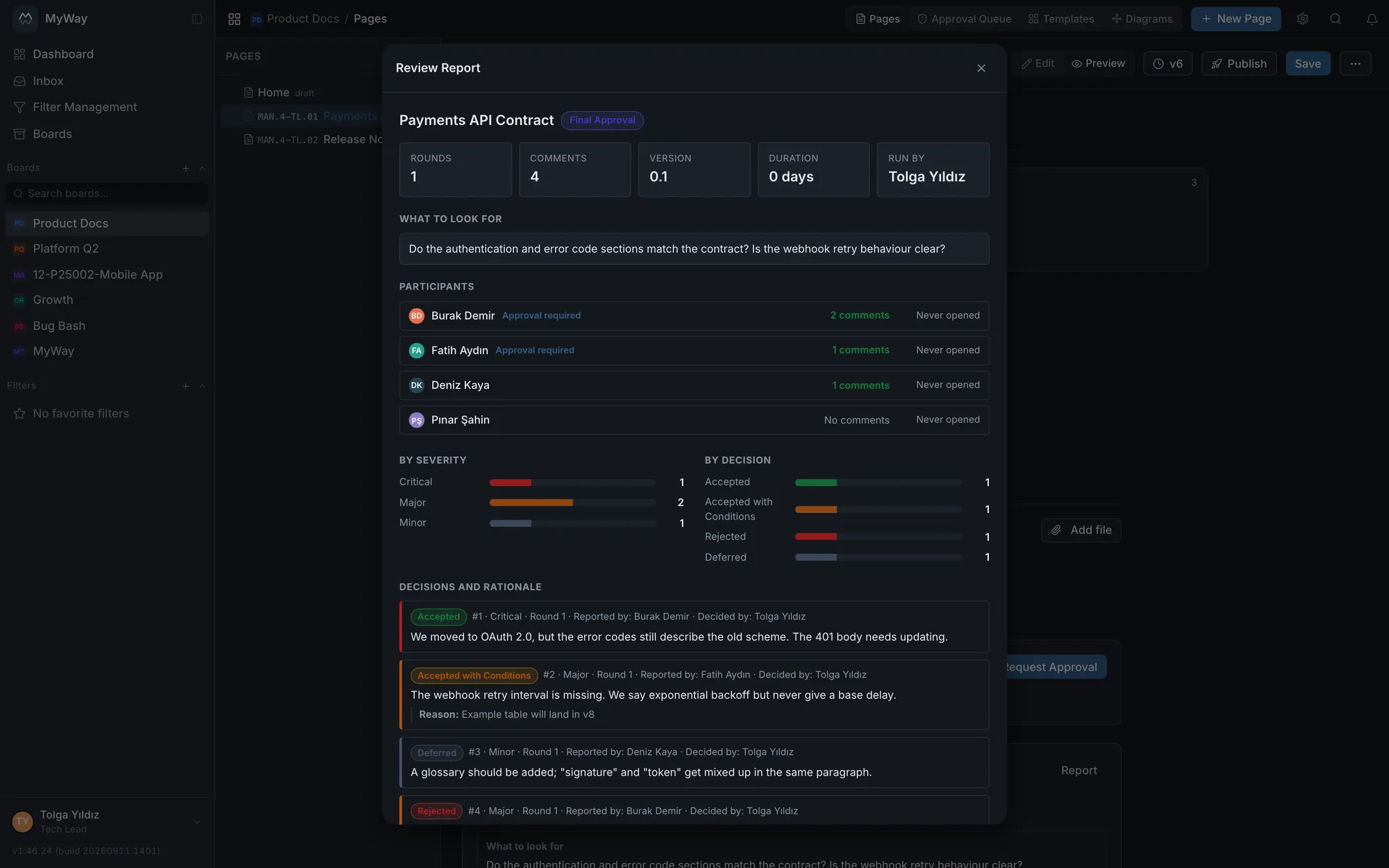
Every review has a one-page report you can download as a PDF. It answers what an audit actually asks: who took part, who wrote how many comments, who never opened it, what severities came in, how each comment was closed, what the reasons were behind rejections and conditional decisions, and which version was approved.
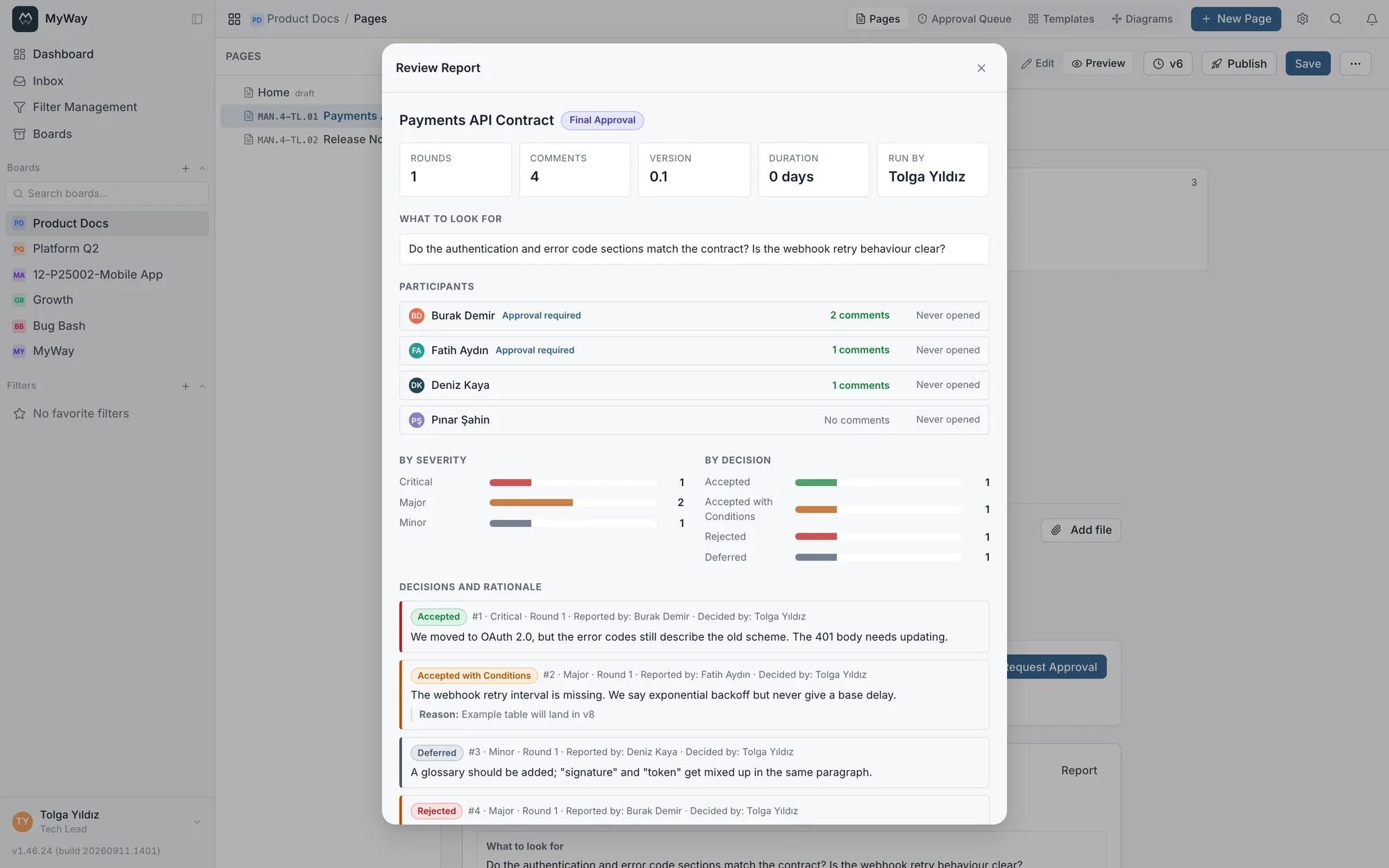
A review is tied to the page version: it records which version it started on and which version ended up approved. “Approved” on its own means little in an audit; “version 7 approved” does not.