Roles & permissions
Per-board roles, a custom role matrix and the audit log.
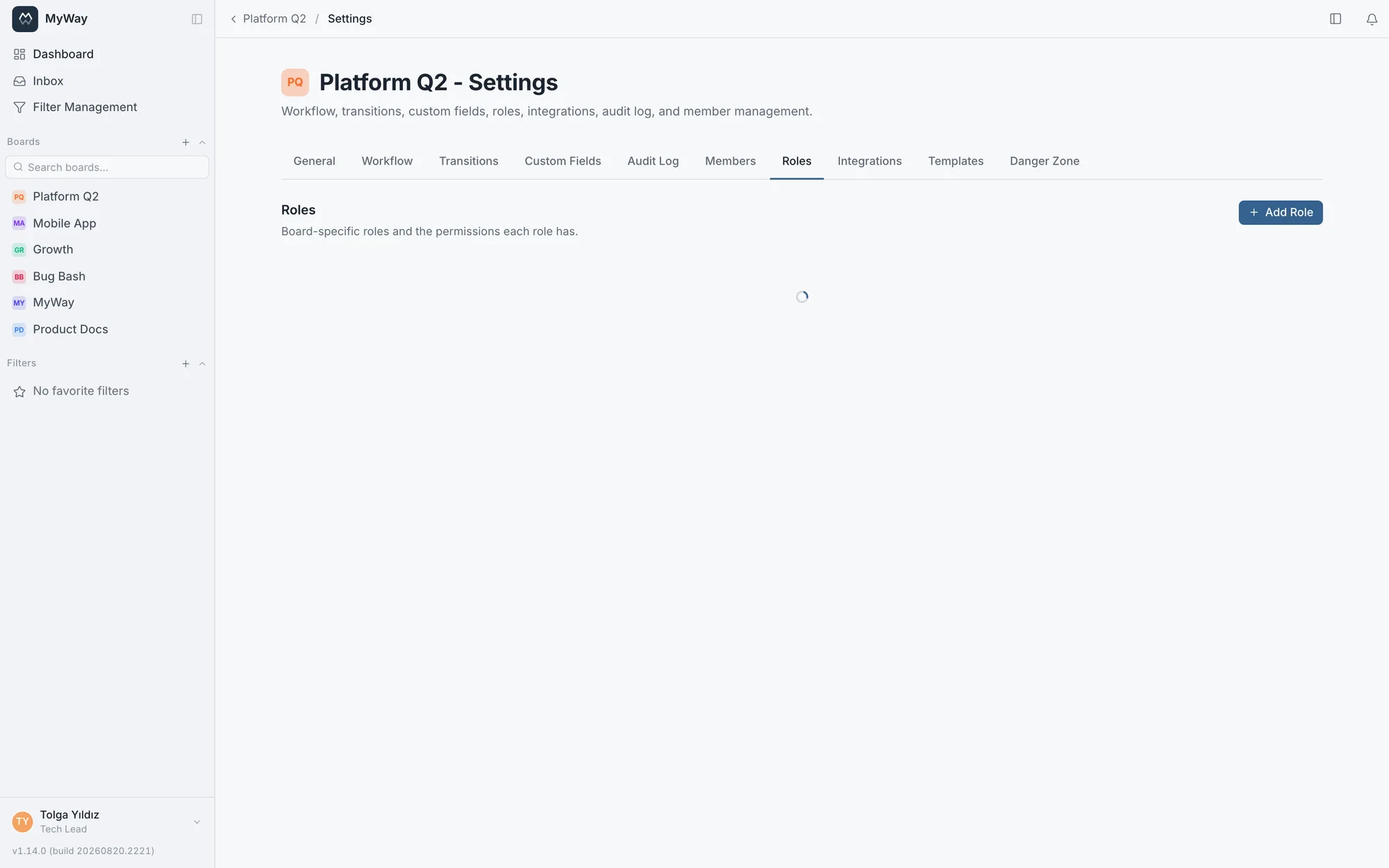
Permissions are managed per board. Alongside built-in roles (admin, developer, tester, viewer) you can define your own custom roles and mark, in a matrix, which actions each role can perform.
The built-in roles are not locked: both the name and the permissions of Developer, Tester and Viewer can be changed from Board Settings > Roles. Two limits hold: the Admin role is immutable (so nobody accidentally loses management access), and you can never hand a role a permission you do not carry yourself.
Changes in the matrix are not saved the moment you click a box: you can tick boxes across several roles, and a bar appears below showing how many roles changed and which ones. "Save" saves them all together and "Discard" drops the unsaved changes. If one role cannot be saved, the others stay saved and the failed role’s changes wait on screen so you can try again. The role columns always keep the same order: the built-in roles first (Admin, Developer, Tester, Viewer), then custom roles in the order they were created.
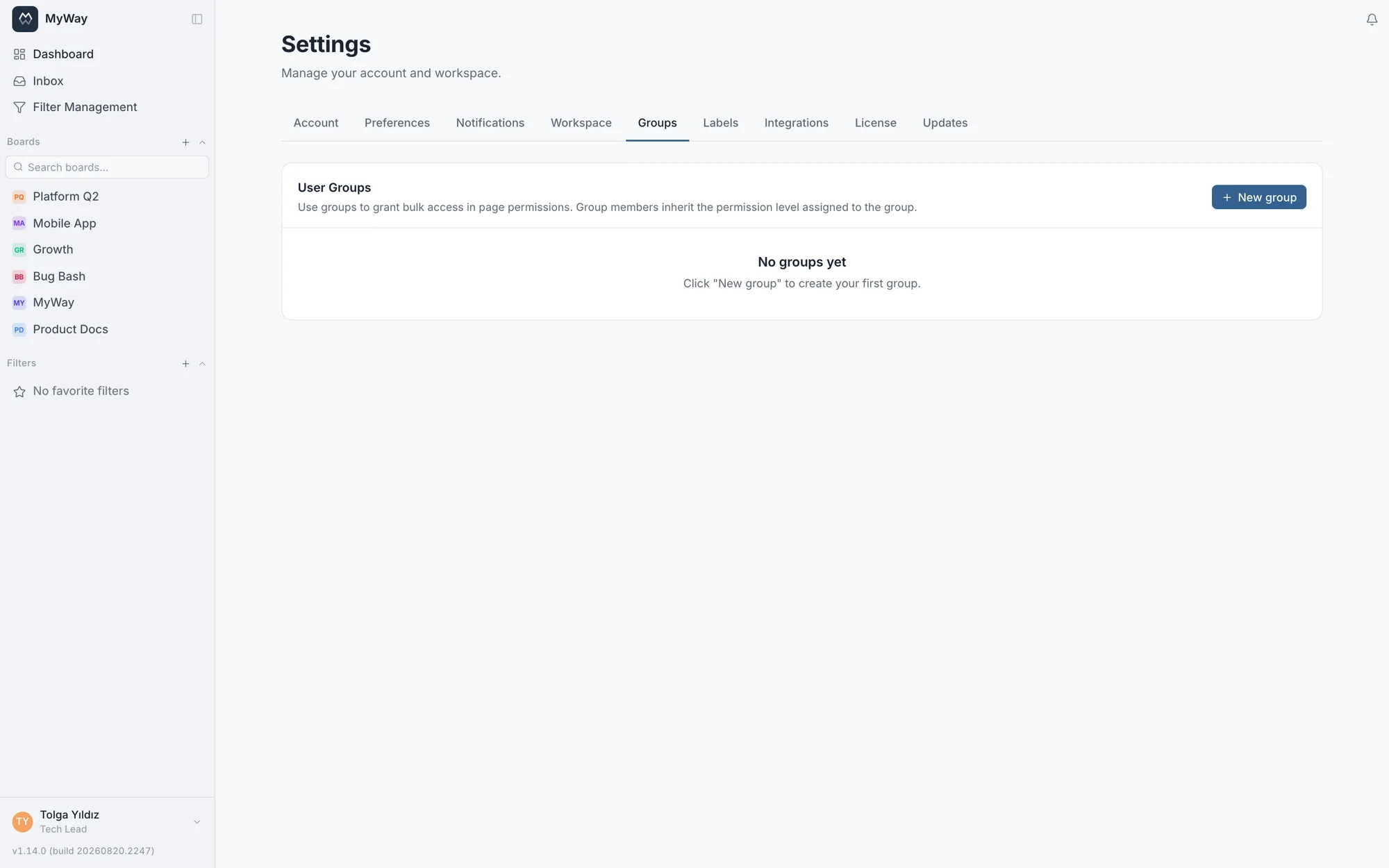
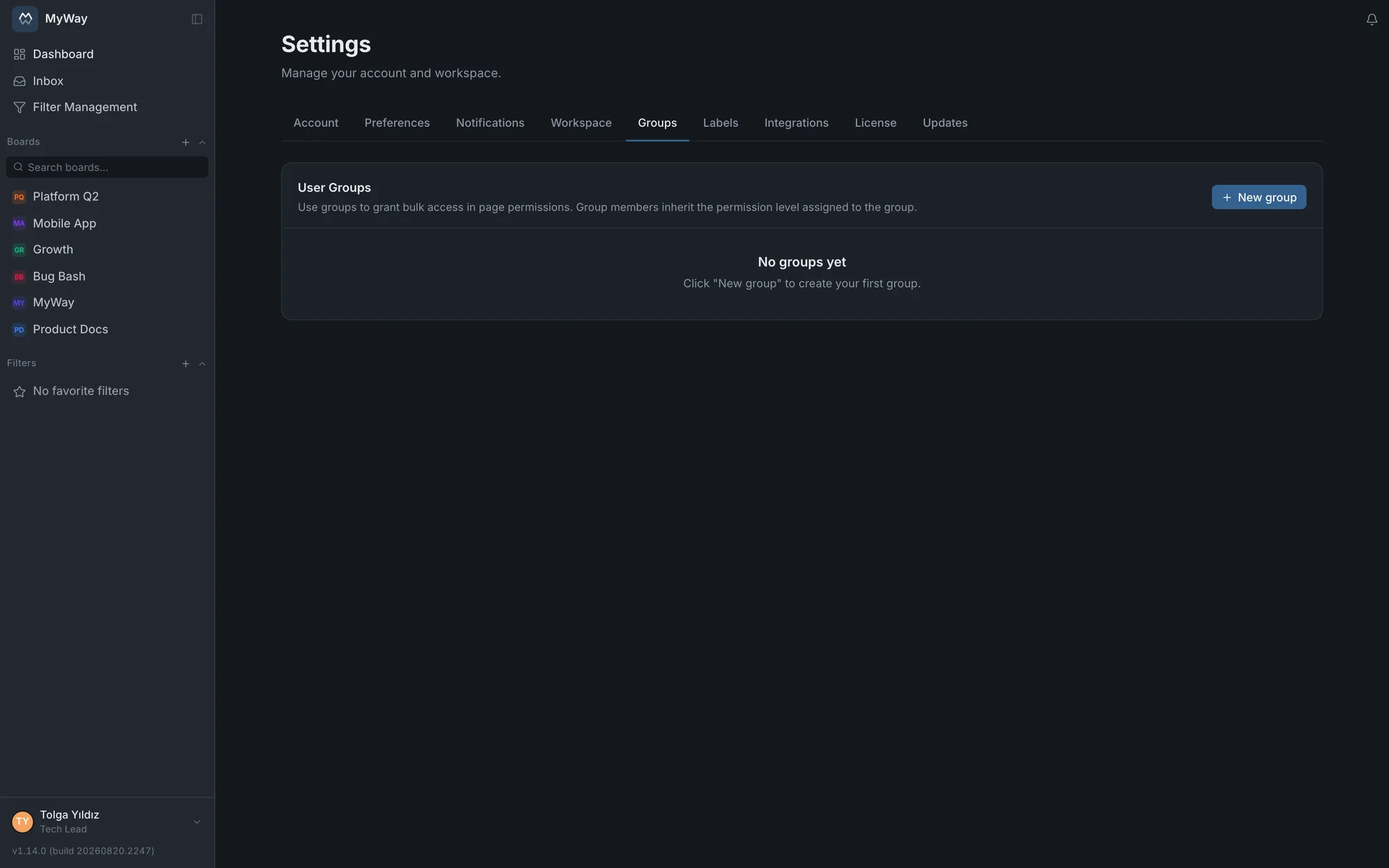
Boards overview: who holds which role where
The "Boards overview" on the settings page lists the boards you belong to with your role, in one table. A workspace admin gets an admin view alongside their own: who holds which role on which board, roles inherited through groups included, on a single screen. The table is paginated on the server. It is the place to start a permission audit: you spot an out-of-place role without opening board settings one by one.
Permission actions
The matrix holds twenty-six separate permissions and the table below lists every one of them. The right column shows which built-in roles ship with that box ticked; all of them can be changed from the role matrix. Viewer carries no permissions at all, which is why it never appears in that column.
| Permission | What it allows | Built-in roles |
|---|---|---|
| Create tasks | Open a new task on the board. When off, the "New task" button, the "+" and quick-add row on columns, task import and "New subtask" are not shown at all. | Admin · Developer · Tester |
| Edit tasks (fields, attachments, links) | Change the content of an existing task: title, description, custom fields (except priority and Story Points), attachments and links. Assignment and the planning fields are separate permissions (below). Bulk editing checks the same permission per field as editing one task. | Admin · Developer · Tester |
| Assign tasks | Change who a task is assigned to. Taking a task yourself requires it too: picking up work is a decision as well. Moving a bar to another person’s row on the planning calendar depends on it as well. | Admin · Developer · Tester |
| Edit system fields | Change the planning fields: start and due date, issue type, fix and affects version, class of service, labels, priority and Story Points. Sprint depends on Manage sprints, not on this permission. Shifting dates by dragging a bar on the planning calendar depends on it too; when the board’s calendar date source is a date field you defined yourself, Edit tasks is checked instead. | Admin · Developer · Tester |
| Write comments | Add a comment to a task and edit or delete your own. When off, the comment box is not shown. | Admin · Developer · Tester |
| Moderate comments (delete others’ comments) | Delete someone else’s comment, so a misplaced or inappropriate comment can be removed. Editing is deliberately out of scope: a moderator can remove words but cannot rewrite them. The deleted comment leaves a trace in the history. | Admin |
| Manage subtasks | Create a subtask, attach an existing task under another one, remove that link. Separate from editing a task: filling in fields and restructuring the work are not the same thing. | Admin · Developer · Tester |
| Move tasks | Move a card from one status to another. The transition’s own rules are still checked on top. | Admin · Developer · Tester |
| Delete tasks | Delete a task permanently. | Admin |
| Create and edit diagrams | Draw, edit and attach diagrams on both task and docs boards. Viewing one requires no permission. | Admin · Developer |
| Manage sprints (create, start, complete, delete) | Create, start, complete and delete sprints; all four ends of the lifecycle hang on this. Moving a task into or out of a sprint (task screen, dragging in the backlog, bulk actions and the /sprint command) needs it too; picking a sprint while creating a task does not. Shown only on Scrum boards. | Admin |
| Edit workflow | Add, reorder and colour statuses, set WIP limits and write an auto-assignment rule on a status. | Admin |
| Edit status transitions | Change which status can move to which and the role and person requirements on a transition, and reorder the transition list. | Admin · Developer · Tester |
| Edit tasks in a locked status | Change the fields of a task sitting in a status marked "locked for editing". Without this box ticked, even the permission to edit tasks does not open those fields; moving between statuses is a separate gate. | Admin |
| Board configuration: fields, issue types, versions, templates, calendar | Define custom fields and field groups, issue types, versions, task templates, the task screen layout and the work calendar; choosing the board’s subtask rules depends on it too. | Admin |
| Manage labels | Edit the board’s label list (bug, feature, chore and the like). Labels are not shared across the workspace: each board keeps its own list, and this permission can hand that job to roles other than the admin. | Admin |
| Manage members and roles | Add people and groups to the board, change their roles, create invite links. | Admin |
| View audit log | Read the board’s audit log. Since the log itself is a "who changed what and when" list, reading it is a permission of its own. | Admin |
| Request approval | Start an approval chain for a docs page. | Admin · Developer · Tester |
| Approve and reject | Make the approval decision when it is your turn. | Admin · Developer · Tester |
| Edit documents | Open pages in a docs space (blank, from a template or from a Word or Markdown file), write and edit them. Adding a page under another or duplicating one requires edit rights on that page. Moving a page under another document in the same space requires edit rights on both the page and its new parent. | Admin · Editor |
| Comment on documents | Leave page comments and inline comments. Commenting depends on this permission alone: Edit documents does not grant it on its own (v1.67.0). Review comments depend on taking part in the review, not on this permission. | Admin · Editor · Commenter |
| Publish documents | Move a page into the published state. Separate from editing: "can write but cannot publish" is a standard split in a quality system. | Admin · Editor |
| Delete documents | Delete a docs page. | Admin · Editor |
| Document settings (templates, code series, page permissions) | Page templates, document code series and page-level permissions. Separate from member management: a quality manager should not need member rights just to define a template. | Admin |
| Copy / move to another document space | Copy or move a page, with its subpages, to another docs space. It is a separate permission because the content leaves its own space’s permissions for another space; moving also needs "Delete documents". You can pick which document it goes under in the target space. | Admin |
The matrix only shows permissions that MEAN something on that board. A docs space never lists task, sprint or workflow permissions (those screens do not exist there); task boards do not list page and approval permissions; a Kanban board does not list sprint management, because Kanban has no sprint surface at all. A hidden box is not something missing: it controlled nothing there.
In a docs space the built-in roles are named differently: Developer appears as "Editor" and Tester as "Commenter". Page access level follows from these: edit permission means editing, comment-only means commenting, neither means read only. Writing a comment also needs Comment on documents; someone who can edit but lacks it cannot comment. The Viewer role carries no permissions and is genuinely read-only.
Adding members and groups
- People and groups are added from the same dialog ("Add member or group"): you search, and you pick the role BEFORE adding
- People, groups and invite links all see the same role list; every built-in and custom role of the board can be picked in all three. Defining a custom role no longer makes it ungrantable to a group or an invite
- A person or a group can carry several roles
- An invite link is only produced with roles that genuinely belong to that board; an invented role, or one from another board, is rejected
- The workspace member list (Settings > Workspace) is sorted alphabetically by name, has a search box and loads progressively: on an installation with hundreds of people you find someone by name or email. You can filter the list by group; an admin can also filter by role and activity (Online now, Active in the last 7 days, Not seen for 30+ days, Never signed in) and sort the list by last seen
The interface knows the permissions: board settings tabs you have no rights on are no longer shown. You used to be able to open a tab, see its contents and do nothing there. Likewise the "New task" button, the comment box and the audit log tab are not drawn for someone without the permission.
On a board, the BOARD ROLE decides (v1.58.0). A workspace admin works with the permissions of their role on each board they belong to: an admin added to a board as "Viewer" cannot edit tasks there. If a person is added both directly and through a group, the roles from both paths are combined, so the narrower one never restricts the wider one. The one exception is the super admin: on a board they are not a member of, they work with full rights so the board can still be managed. If you upgraded from before 1.58.0, review your admins’ board roles once; until then they worked with full rights whatever their role was.
Group membership on a board
You can add a group to a board instead of a person (Board Settings → Members → Groups). Add the group with a role and all its members get access; whoever joins the group later gains access automatically, whoever leaves loses it. No need to edit boards one by one.
- If someone is both a direct member and a member through a group, the broader permission wins
- If a group is the only source of board administration it cannot be removed; assign another admin first
- Adding, removing and role changes of groups are written to the audit log
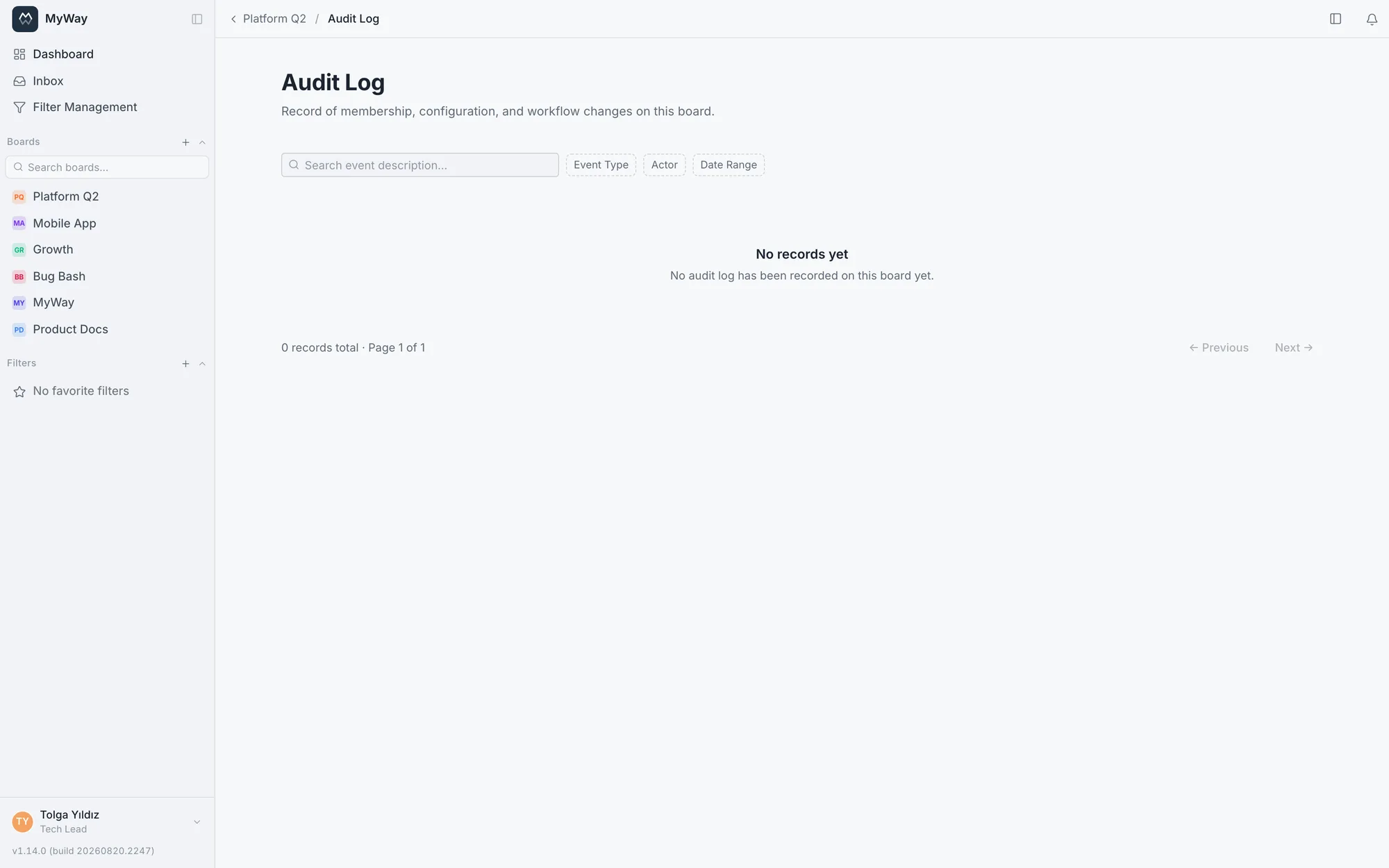
Audit log
All critical events (role, version, field, membership changes, etc.) are recorded in the audit log as who-what-when. The log is filterable; it serves as evidence in compliance audits.