Search & filters
Nested AND/OR filters, saved and shared filters, ⌘K global search.
You find work three ways: ⌘K global search from anywhere, the search bar above a board, and the advanced filter builder for precise queries.
Global search (⌘K / Ctrl+K)
- Search tasks, boards, doc pages and comments; type at least two characters. Results come grouped by kind
- Tasks are found by their number as well as their title and description: typing "PLT-142" or just "142" is enough
- Boards match on their board code as well as their name. Only boards you can reach and pages you are allowed to open are listed
The board search bar
The search bar above a board both searches text and adds field criteria ("Select field or search text…"), and it finds tasks by number too. When you pick a date field, common relative periods sit above the date box for one click (Today, This week, Last 7 days, Next 30 days and so on). When you pick a person field, its value list can be searched by name or email. When you need a complex condition, "Open in advanced editor" takes you to the filter builder.
Advanced filter builder
- Build complex conditions with nested AND/OR groups
- 14 operators: Equals, Does Not Equal, Contains, Does Not Contain, Is One Of, Is Not One Of, Is Empty, Is Not Empty, >, <, ≥, ≤ for numbers, and Before and After for dates
- Filterable fields: status, issue type, assignee, label, reporter, sprint, class of service, title, description, due and start date, created and updated date, parent task and every custom field (priority and Story Point included). Formula, link and email fields get the operators that suit their type; a checkbox field offers Yes or No
- Date fields switch between "Date" and "Relative". In relative mode you pick either a preset (Today, Yesterday, Tomorrow, This week, Last week, Next week, This month, Last month, Next month, "Overdue (before today)", No date) or a rule relative to today: "In the last ...", "In the next ...", "More than ... ago", "More than ... from now", in days, weeks or months. The condition reads "Last 7 days", "Next 1 month", "More than 3 days ago"
- A relative date is saved as a rule, not as a fixed date: a filter saved as "Last 7 days" still returns the last 7 days tomorrow, so saved filters follow the current date every day. "Today" is set by the time zone of whoever runs the filter, and periods such as "This week" follow the week start in Settings > Preferences. The board, Filter Management and the Saved Filter card on the dashboard all use the same calculation
- Person fields can be set to "Current user" instead of a fixed person: the filter resolves to whoever runs it. One shared "assigned to me" filter then shows everyone their own work
- The list view also filters from the column header; details below, under "List column filters"
- "Assignee: me" sits in the filters as a one-click shortcut; in the task drawer you can also click the assignee field to assign yourself (requires Assign tasks)
- Save the criteria: the board’s saved filters and a "Save filter" button sit at the top of the panel. A saved filter stores the conditions; your list column choice is kept separately and is not tied to the filter
- Clicking a saved filter loads its criteria into the panel, where they can be edited and saved again. If you already have a filter by that name, a second copy is not created silently: you are asked whether to overwrite it or save under another name
List column filters
In the list view, the filter button in a filterable column’s header opens that column’s values. Besides issue type, status, priority, assignee, label, class of service, sprint and title, the Reporter, Watchers, Fix Version, Affects version, Comments and every date column (Due, Start Date, Created, Updated) filter from the header too; custom field columns filter according to their type.
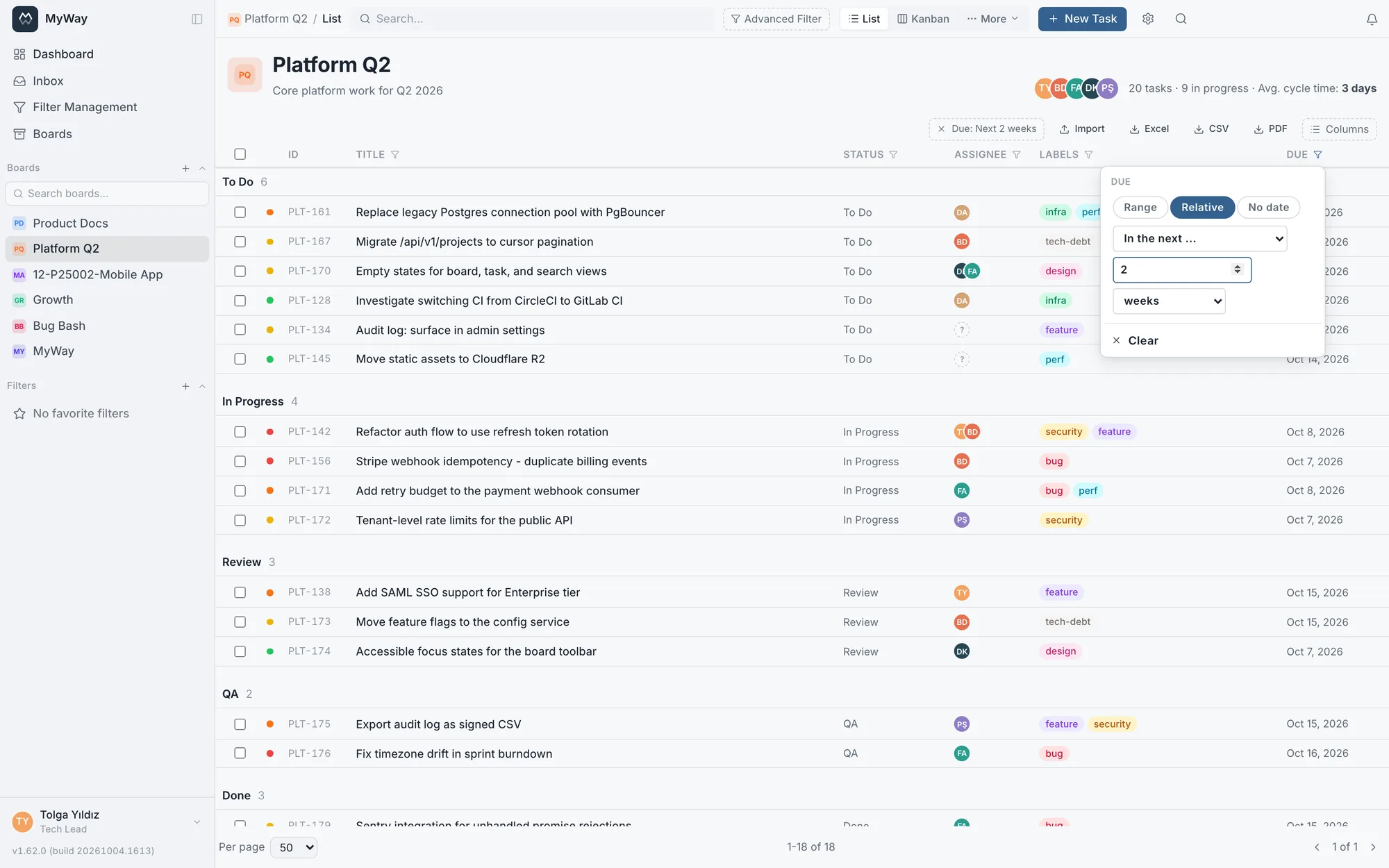
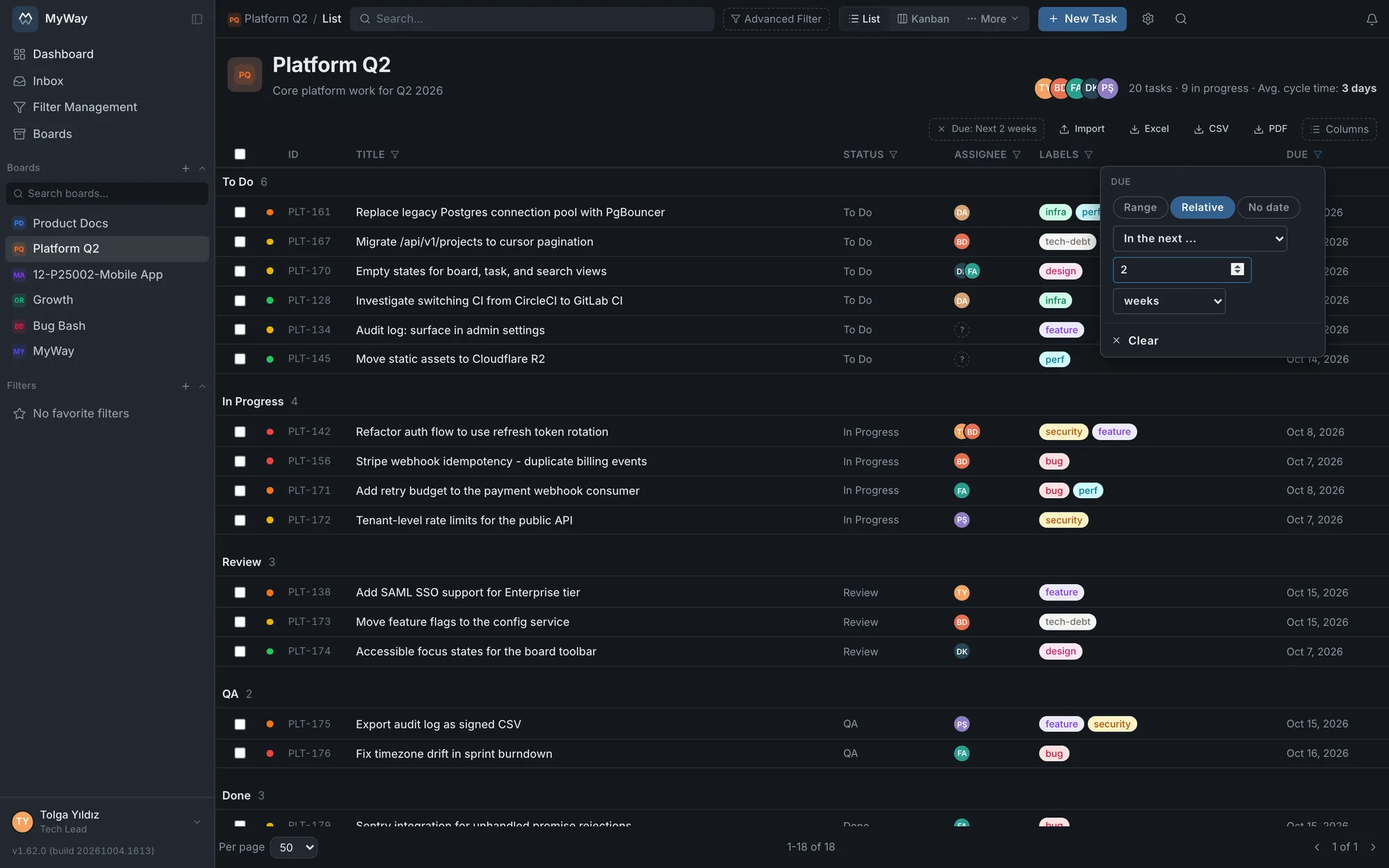
- Date columns offer three modes: "Range" (a from and a to day, either may be left empty), "Relative" (the presets and rules of the advanced filter, e.g. Next 2 weeks) and "No date". Date-type custom fields filter the same way
- Comment count, number custom fields and formula fields that produce a number filter by range with "Min" and "Max"; both ends are included
- The sprint column offers "No sprint (backlog)" and the version columns "No version"; versions are listed newest first. The Reporter and Watchers columns have the same "Me" shortcut as assignee
- Each active column filter sits above the list as a readable chip such as "Due: Next 2 weeks"; clicking the chip removes that column’s filter. "Clear" in the filter box clears just that column, and "Clear column filters (n)", shown when more than one filter is active, clears them all
- Column filters are not part of a saved filter; for a lasting filter, build the condition in the advanced filter and save it
Saved filters
Save filters you use often, favorite them, and open them with one click from the sidebar. A filter opened from the sidebar opens the board in list view and the name of the applied filter is shown in the top bar, so the screen states which filter you are looking through. Saved filters also feed dashboard widgets.
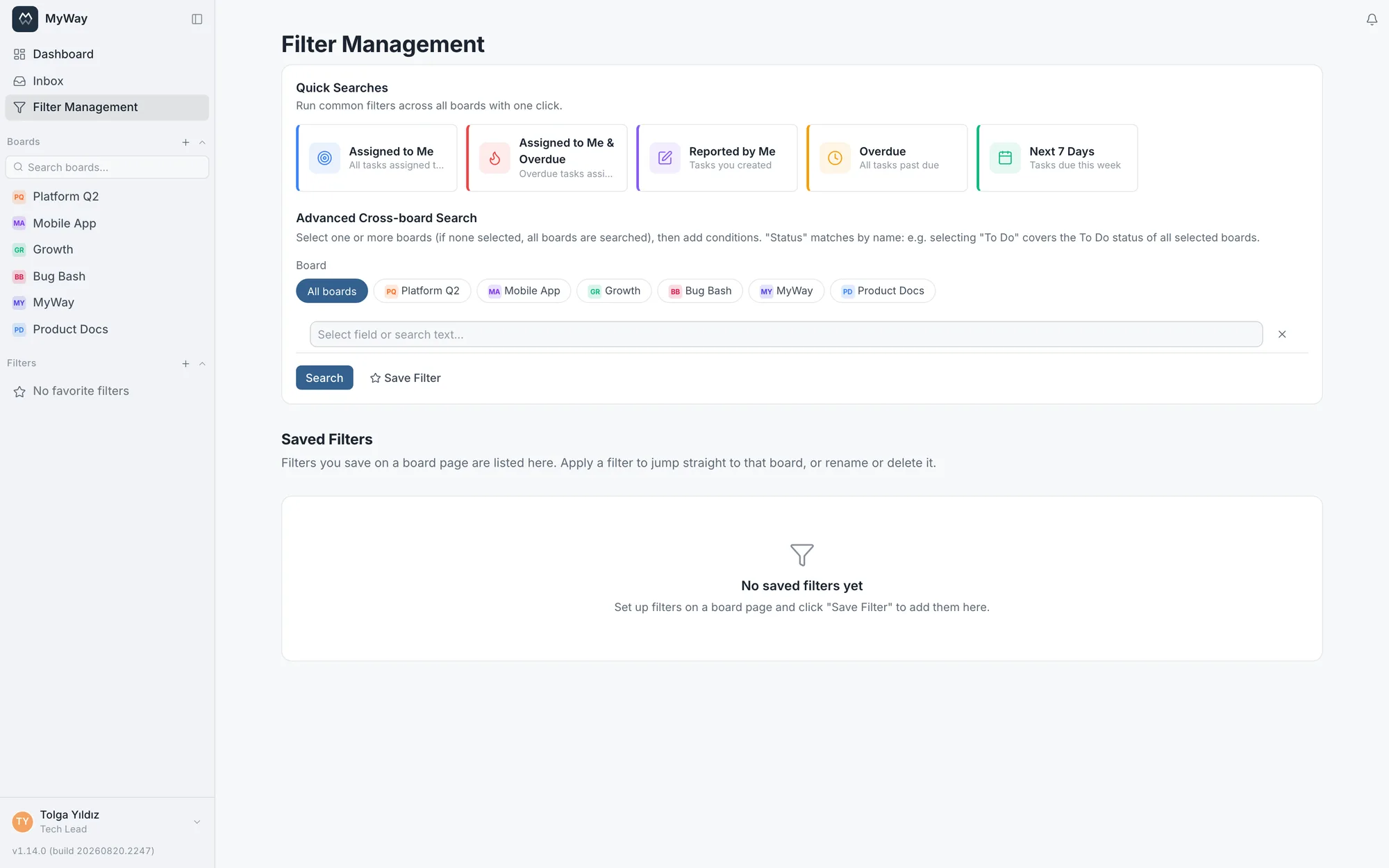
The Filter Management page
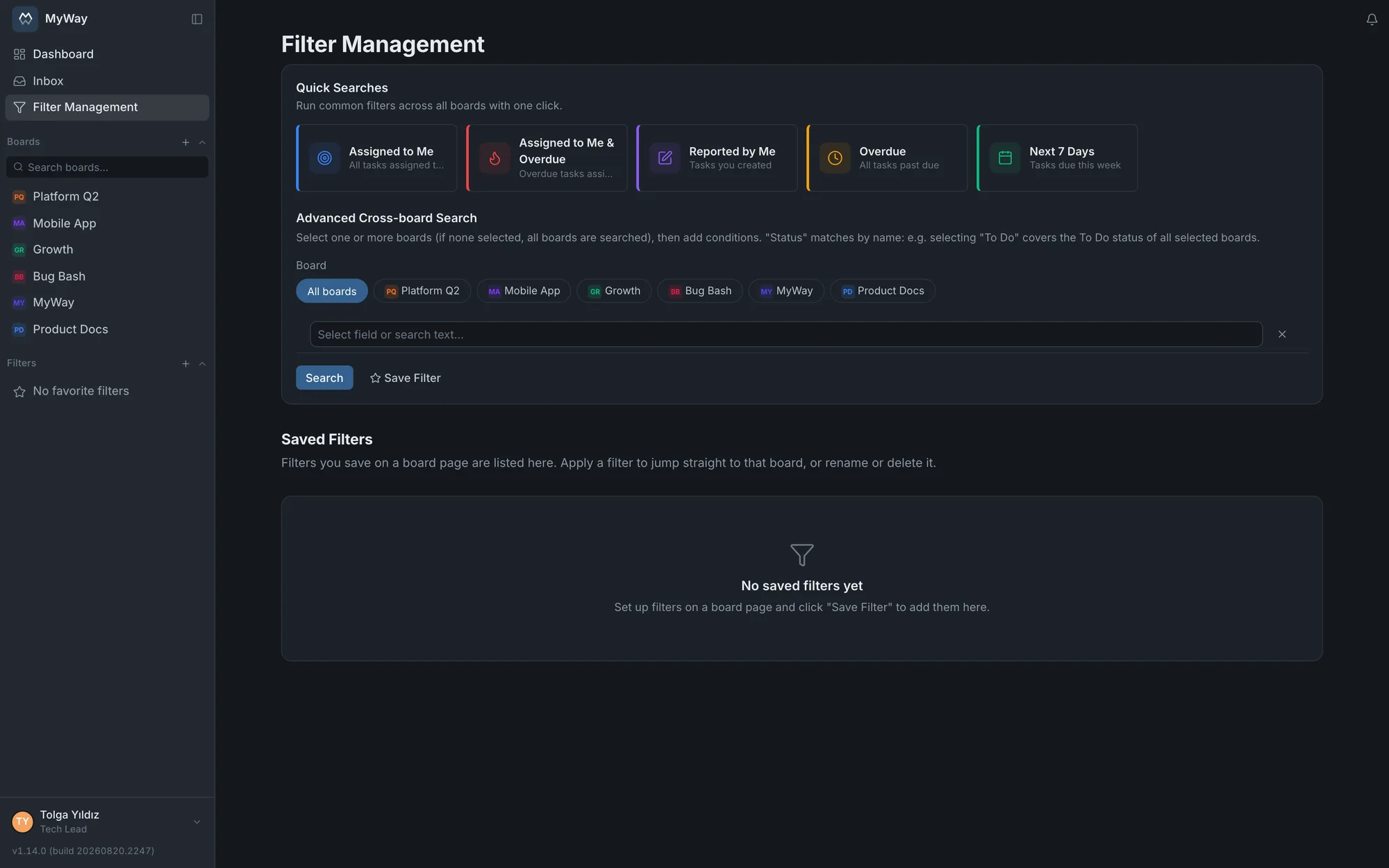
On the Filter Management page in the sidebar you rename, favourite and share your saved filters. The same page offers Quick Searches that run across all boards with one click (Assigned to Me, Assigned to Me & Overdue, Reported by Me, Overdue, Next 7 Days) and an Advanced Cross-board Search. In that search a status matches by name: picking "To Do" covers the To Do status of every selected board. A saved filter spanning several boards runs on this page rather than on a board.
Sharing a filter
You can share a saved filter with your team: pick "Share..." from the menu next to the filter and choose people or groups. They see it under "Shared with You" and can run it; only the owner can edit or delete it. Sharing with a group ties access to group membership: whoever joins sees the filter, whoever leaves does not.
Sharing never opens up new data. When you run a shared filter the results stay limited to the boards you can access; a filter spanning several boards shows you only the work on boards you are a member of.