Introduction
What MyWay is, who it is for, and which modules it includes.
MyWay keeps a team’s work and the record of that work in one product that runs on your own server. Kanban and Scrum boards sit next to a docs space whose documents carry a code and a version number, formal review, custom workflows, a permission matrix and GitLab integration, so a team does not run two separate tools and a list of add-ons. There is no per-seat fee; a flat license runs with unlimited users.
Who is it for?
- Software teams that want to keep their data on their own infrastructure
- Companies that want to avoid per-seat SaaS costs
- Organizations needing data sovereignty for GDPR / KVKK compliance
- Teams that must run inside air-gapped networks
Core modules
- Boards: Kanban, Scrum backlog, list, calendar, timeline, releases and a per-person sprint planning view; a board code catalogue, folders and archiving
- Sprints: a saved capacity plan (team, per-person capacity, days off), burndown, velocity and retrospectives
- Workflows: statuses, transition rules (by role, person or person-type field), WIP limits, auto-assignment on a status, task and title templates
- Docs space: Wiki-style pages, a document code and QMS version, approval chains, formal review, Word import, PDF and Word output
- Diagrams: drawings linked to tasks and documents, with version history
- Releases: Fix and Affects Version, release scope and a release report as CSV, Excel or PDF
- Dashboards: drag-and-drop widgets on a 12-column grid
- Filters & search: nested AND/OR filters, saved and shared filters, ⌘K global search
- Custom fields: ten types, form sections, a rule for who fills a section in, a formula field that computes work days and work hours
- Work calendar: working hours, a lunch break, public holidays (40 countries) and half days, per board
- Import & export: CSV, Excel and PDF output; creating and updating tasks in bulk from a spreadsheet
- Permissions: per-board roles and a custom role matrix, user groups, audit log
- Notifications: an in-app bell and email over your own SMTP server, per-event preferences
- Integration: GitLab: connect several projects, even from different groups, to one board; set a task’s project from a select field; open branches and merge requests with your own GitLab account; commits, pipelines, two-way issue sync, issue import and smart commits
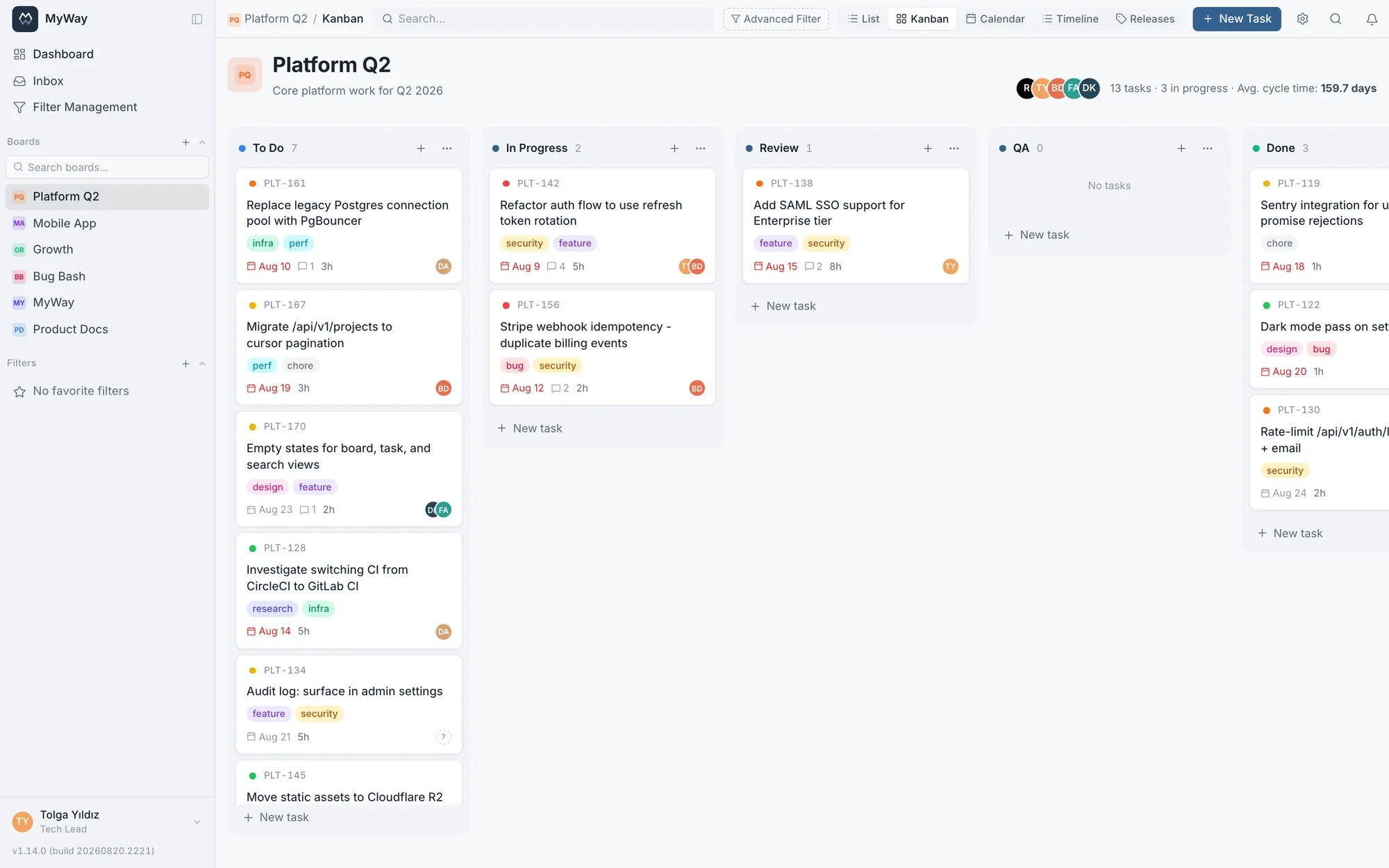
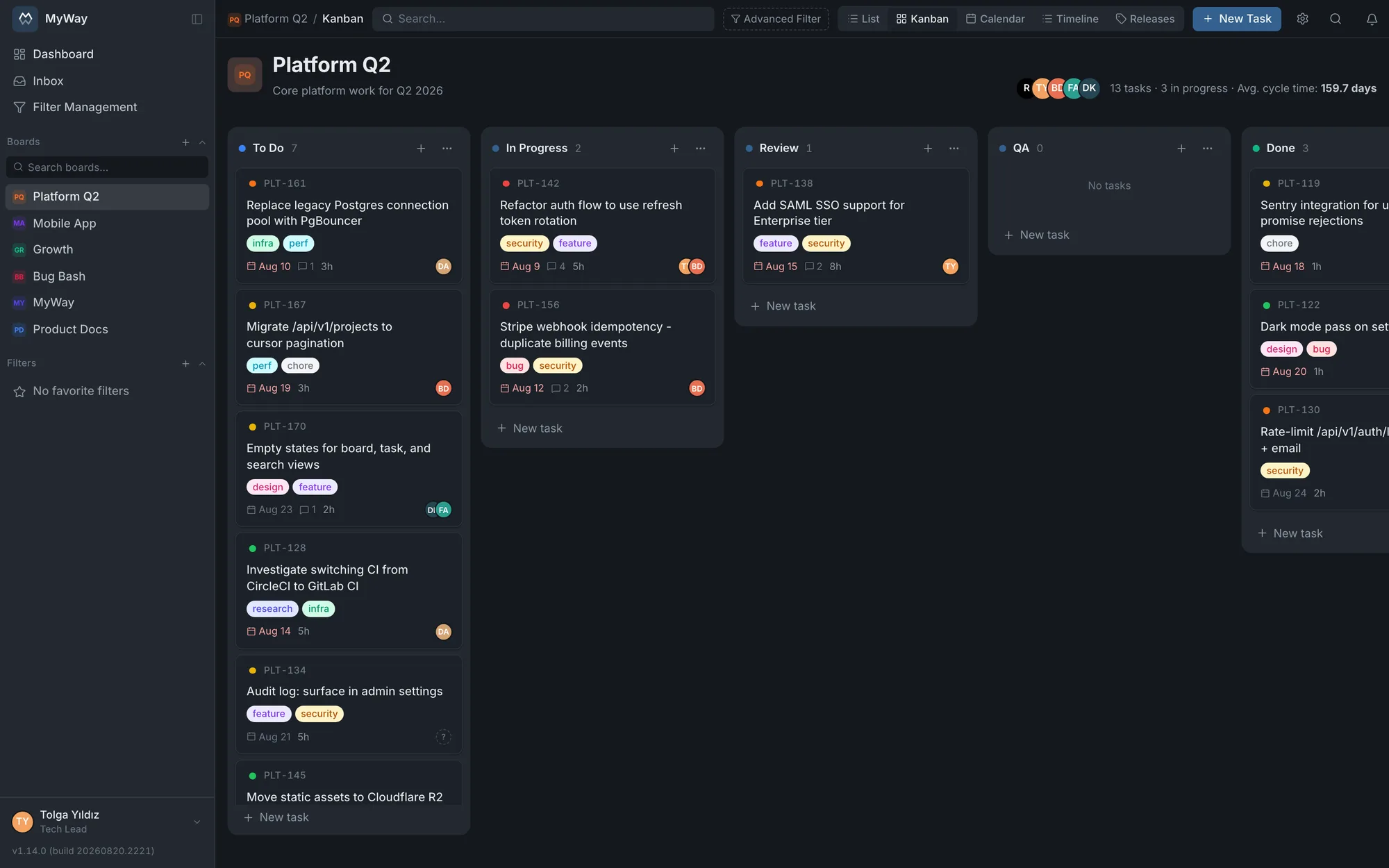
You can explore the live demo before trying an install. You see the whole interface with realistic data. For setup steps see Installation (self-host).