Run the work on a board, write the decision in a document, get the sign-off in the same place. No renting separate tools, on your own server, with no per-user fee.
Everything in the box
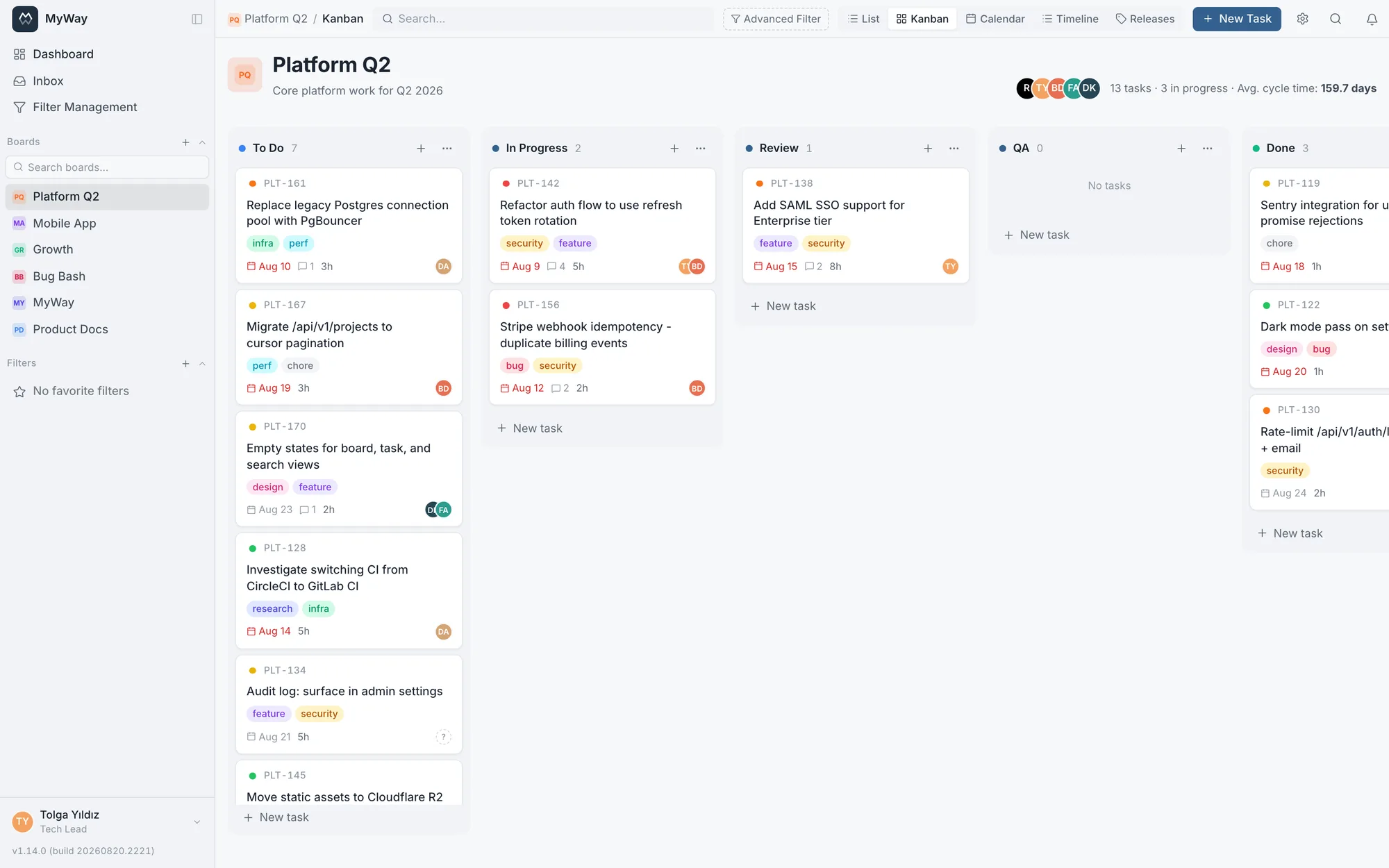
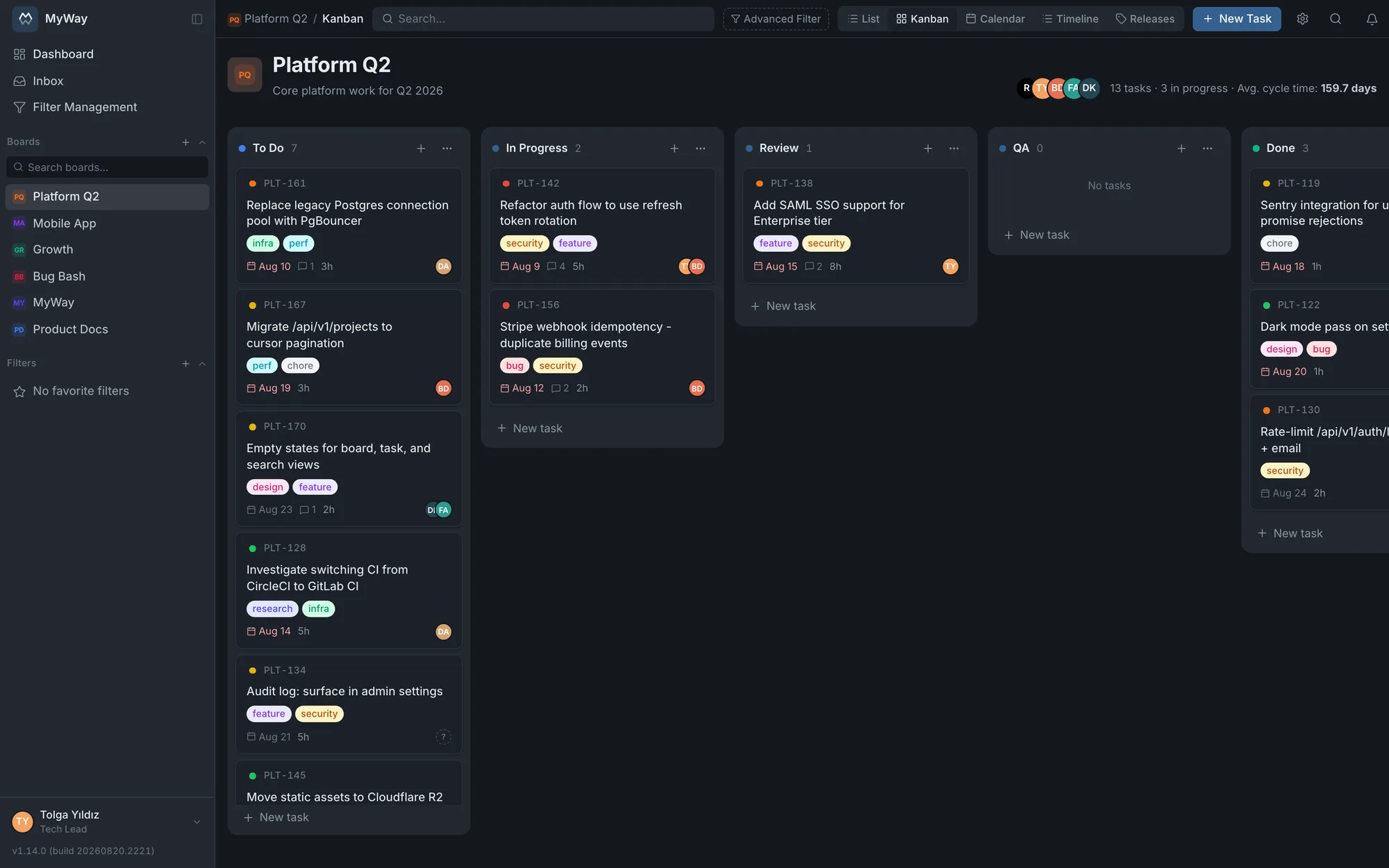
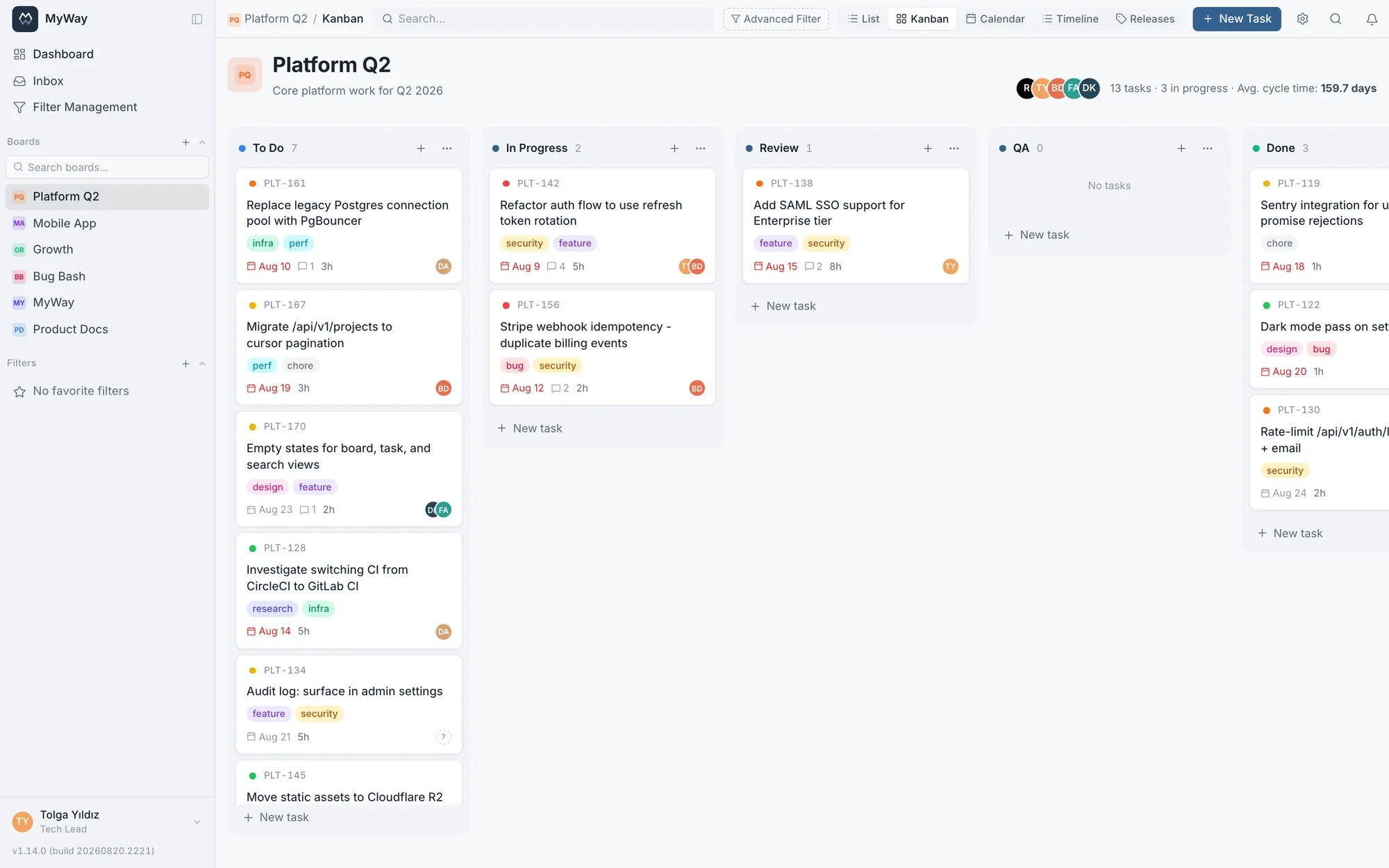
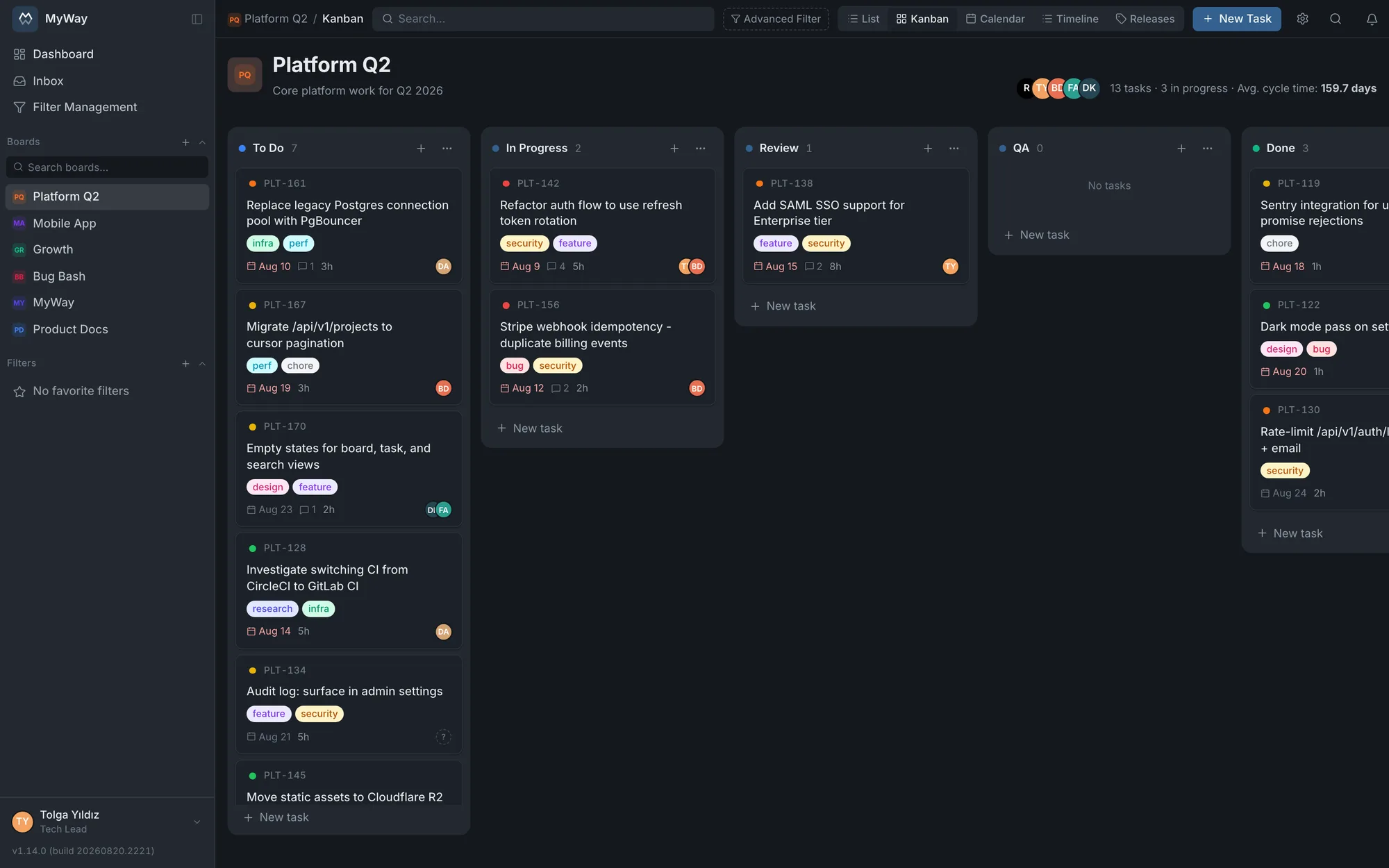
Kanban and Scrum boards
Sprints, capacity, velocity
Timeline (Gantt)
Subtasks and links
Custom fields and formulas
Your own workflow and rules
Docs space with codes and versions
Review and approval
Diagram editor
Filters and dashboards
26-action permission matrix
Roles, groups, audit log
Notifications and @mentions
GitLab: commits, MRs, issues
Bulk import
File attachments
Turkish and English
demo.themyway.app
Features
It runs the work and keeps the record
Mature modules real teams use daily, without chasing a missing feature.
Kanban & Scrum boards
Drag-and-drop Kanban, a sprint-based Scrum backlog and a list view. Pick a sort mode per column; card order within a column is kept.
Sprints & metrics
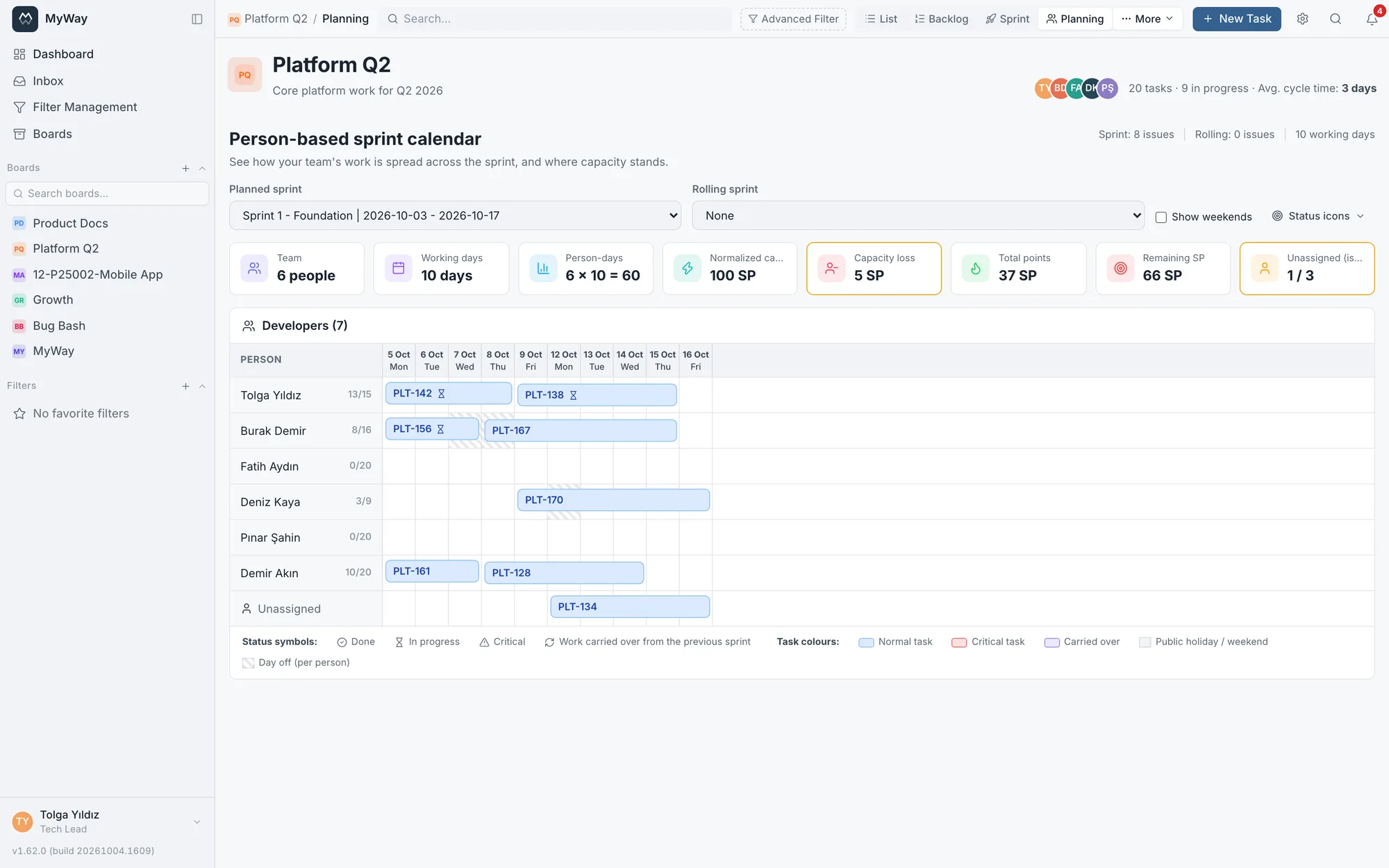
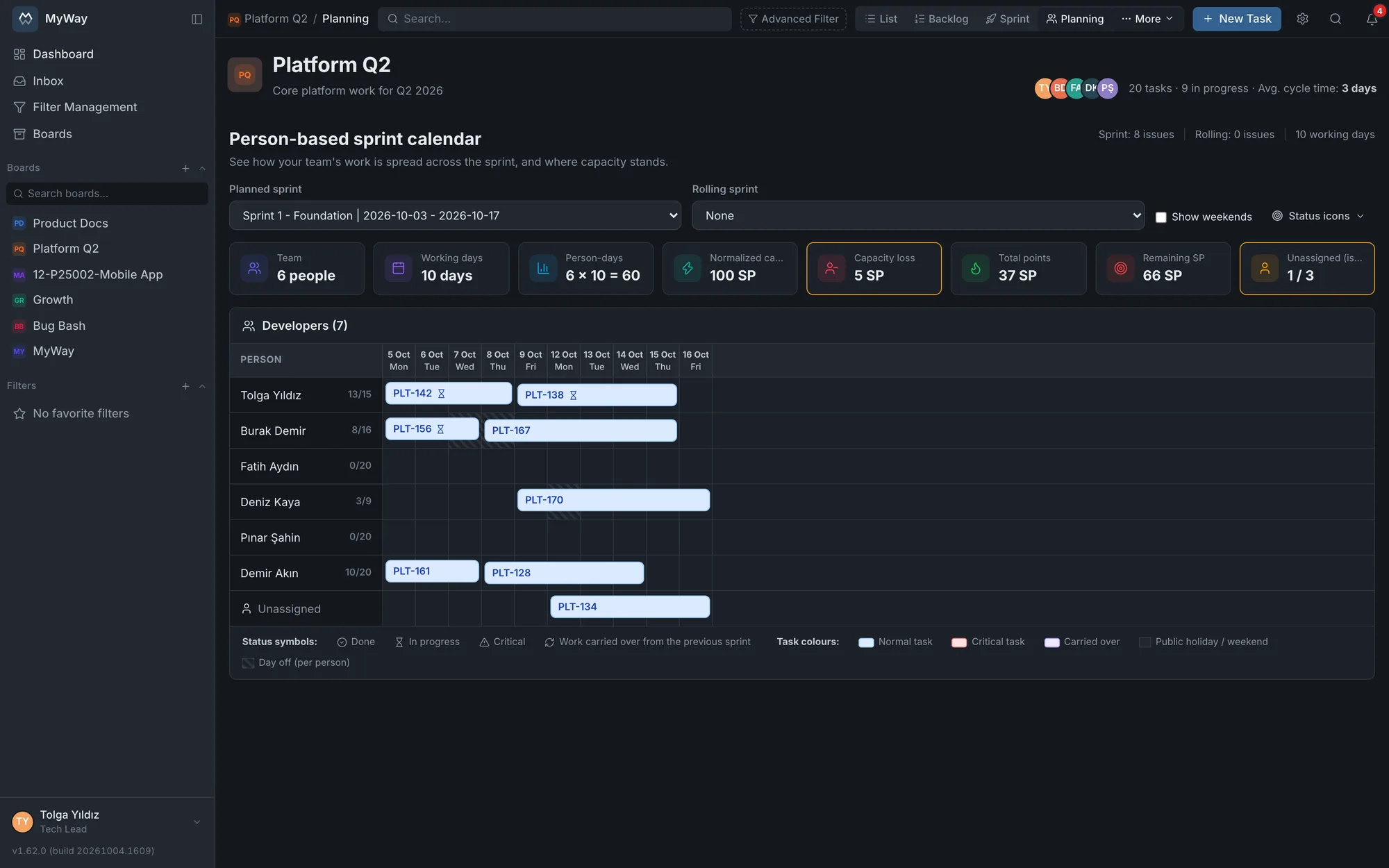
Sprint planning, a saved capacity plan (team, per-person capacity, leave), a per-person sprint calendar, burndown, velocity and cycle-time charts.
Custom workflows
Define your own statuses, transition rules and WIP limits. Tie a transition to a role, to specific people or to a person field on the task, and auto-assign when work enters a status.
Custom fields & issue types
Ten custom field types (text, number, select, date, person, calculated formula…), form sections with server-enforced fill-in rules, and Epic / Story / Task / Bug issue types.
Advanced filters & saved views
Build filters with nested AND/OR groups, use relative dates such as "Last 7 days" or "This week", save them, favorite them and share them with your team; in the list view columns filter from their header, dates, versions, people and comment count included. A shared filter never opens up new data.
Dashboards
Tabbed multi-dashboards with 15 widget types: my issues, saved filter results, status/assignee/priority distribution, workload distribution by points and capacity, burndown, velocity, CFD, activity stream, comment heatmap, calendar, sprint goal, cycle time and status aging. Mark one as the workspace default so new hires do not start on a blank screen.
Docs space
Wiki-style page hierarchy, document codes and QMS versions, approval chains, templates and inline comments.
Diagrams
Draw flowcharts and process maps inside the product, then link them to documents and tasks. The editor ships with the installation and works air-gapped, with no outbound calls.
Formal review
Round-based document review: weighted comments, reasoned decisions, a publish lock and a PDF audit report.
Permission matrix
Per-board roles and custom role definitions. Fine control over 26 separate permission actions, and the built-in roles are editable too. You can add a group to a board instead of a person, and give one person in a group a role of their own.
GitLab integration
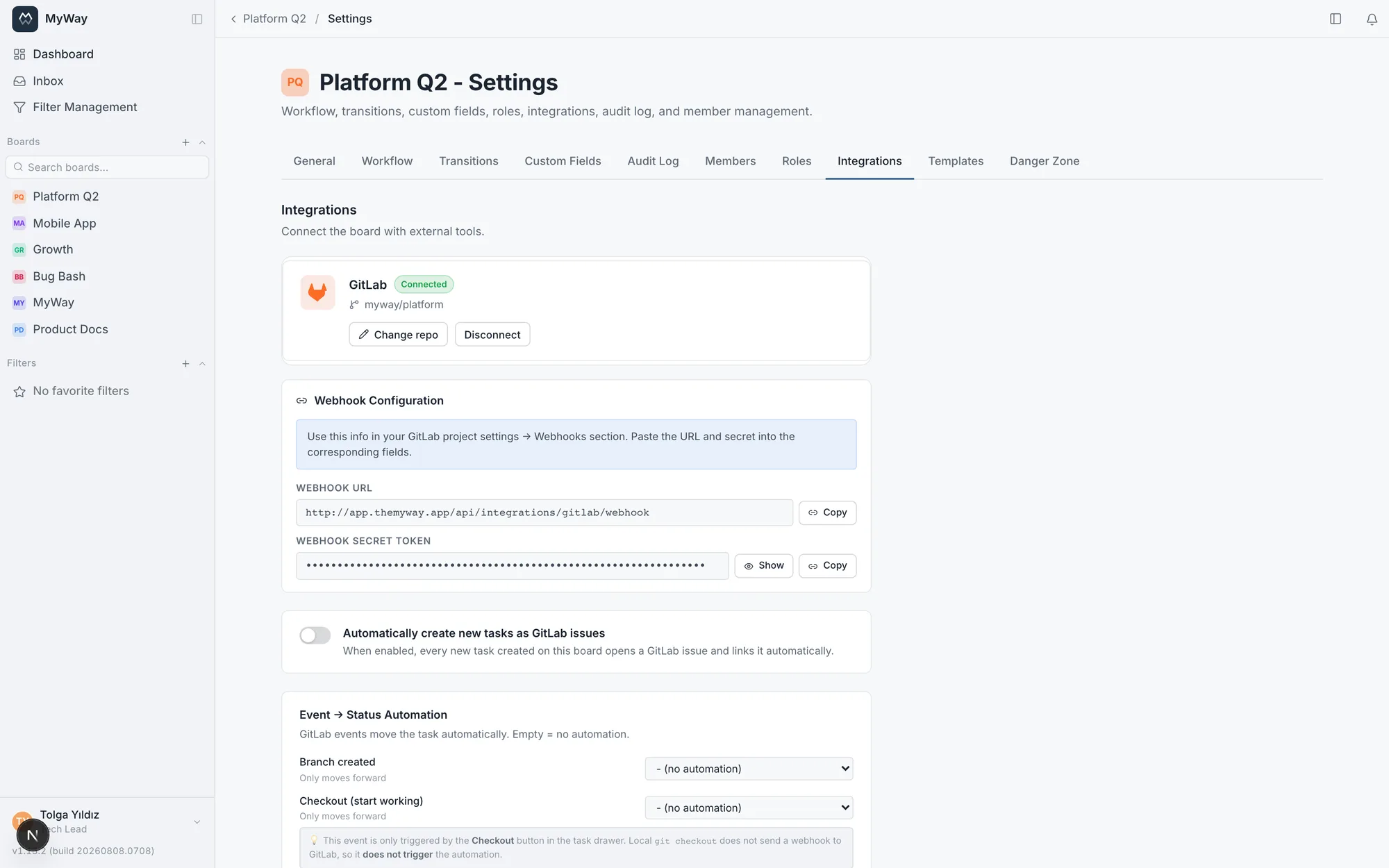
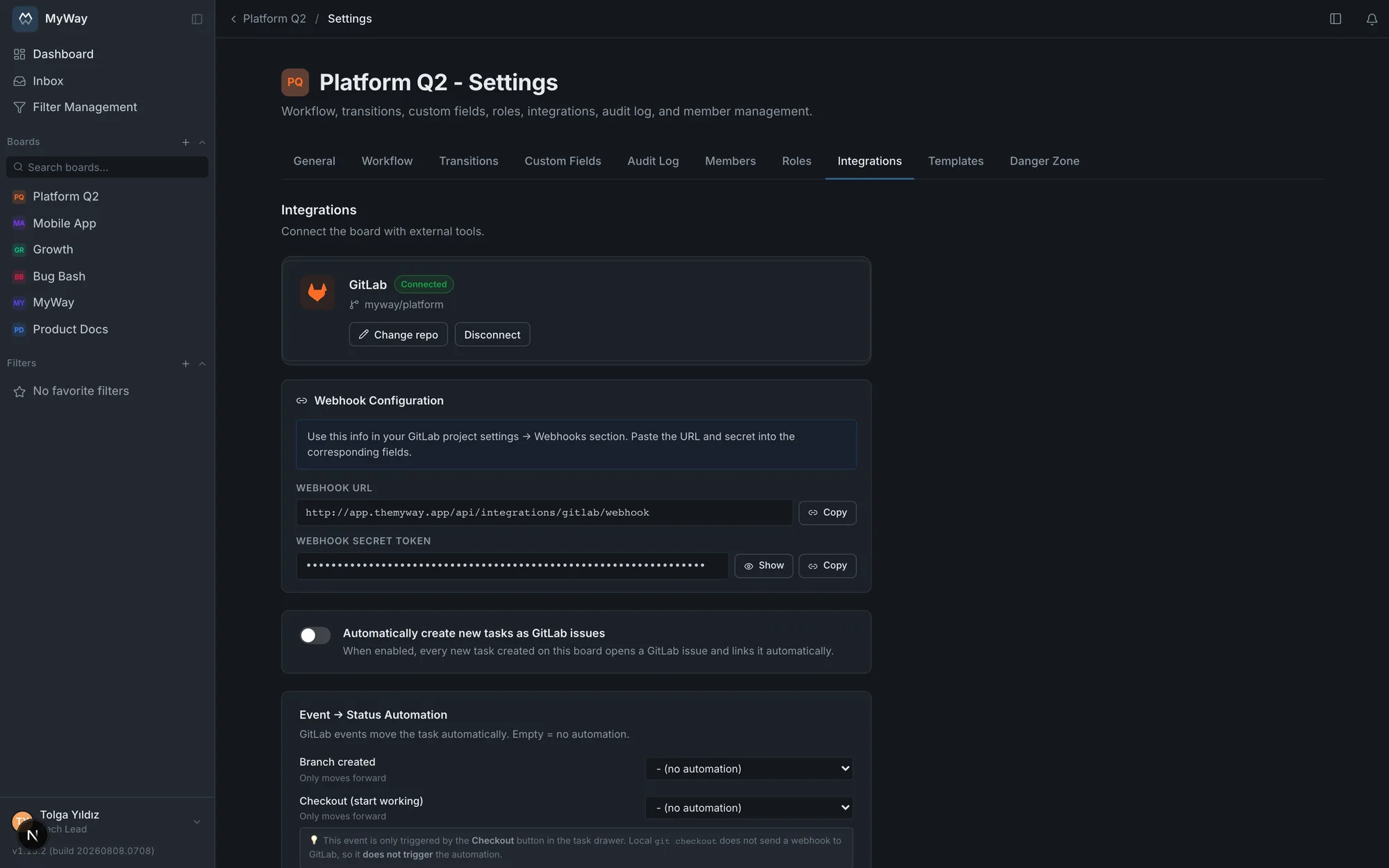
Link any projects to one board, even from different groups. MR, pipeline and commit panels, branches and MRs opened under your own GitLab account, two-way issue sync, event → status automation, and "Closes CJ-123" to advance a task on merge.
Releases & Fix Versions
Create versions, tie tasks to Fix and Affects Version (both multi-select), and track release scope and progress.
Global search (⌘K)
Instant search across tasks, boards, comments and pages. Reach anything with one keystroke.
Audit log
Who changed what, and when. Every critical event in a filterable audit trail.
Task detail & collaboration
Description, subtasks, linked work and attachments on one screen. @mention comments, watchers and a full activity history. The board decides which sections show and in what order.
Notifications & inbox
Assignments, mentions, status changes, due dates, approval and review requests in the notification bell. Separate bell and email switches; everyone picks their own.
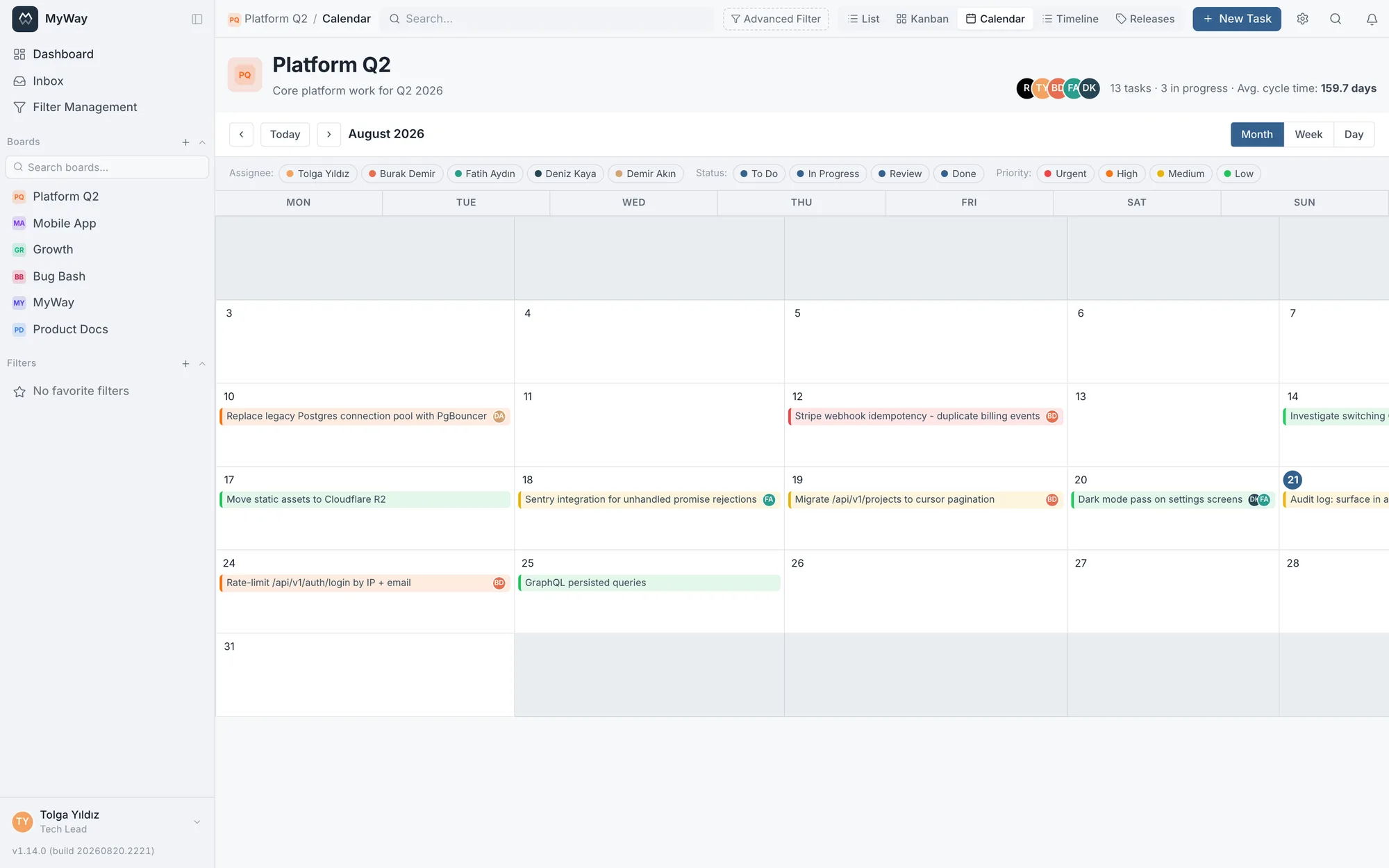
Calendar view
See due dates, sprint boundaries and releases on a monthly calendar. Source it from the board’s own date fields, see public holidays in place, and drag a task to reschedule it.
Work calendar & work-day maths
Working hours, a lunch break and a public holiday list per board (fetched for 40 countries in one click, half days included). A formula field computes the gap between two dates as work days or work hours against that calendar.
User groups & invites
Organize people into groups, add a group to a board, mention @group in a comment. Whoever joins the group gets board access automatically.
Timeline & Gantt
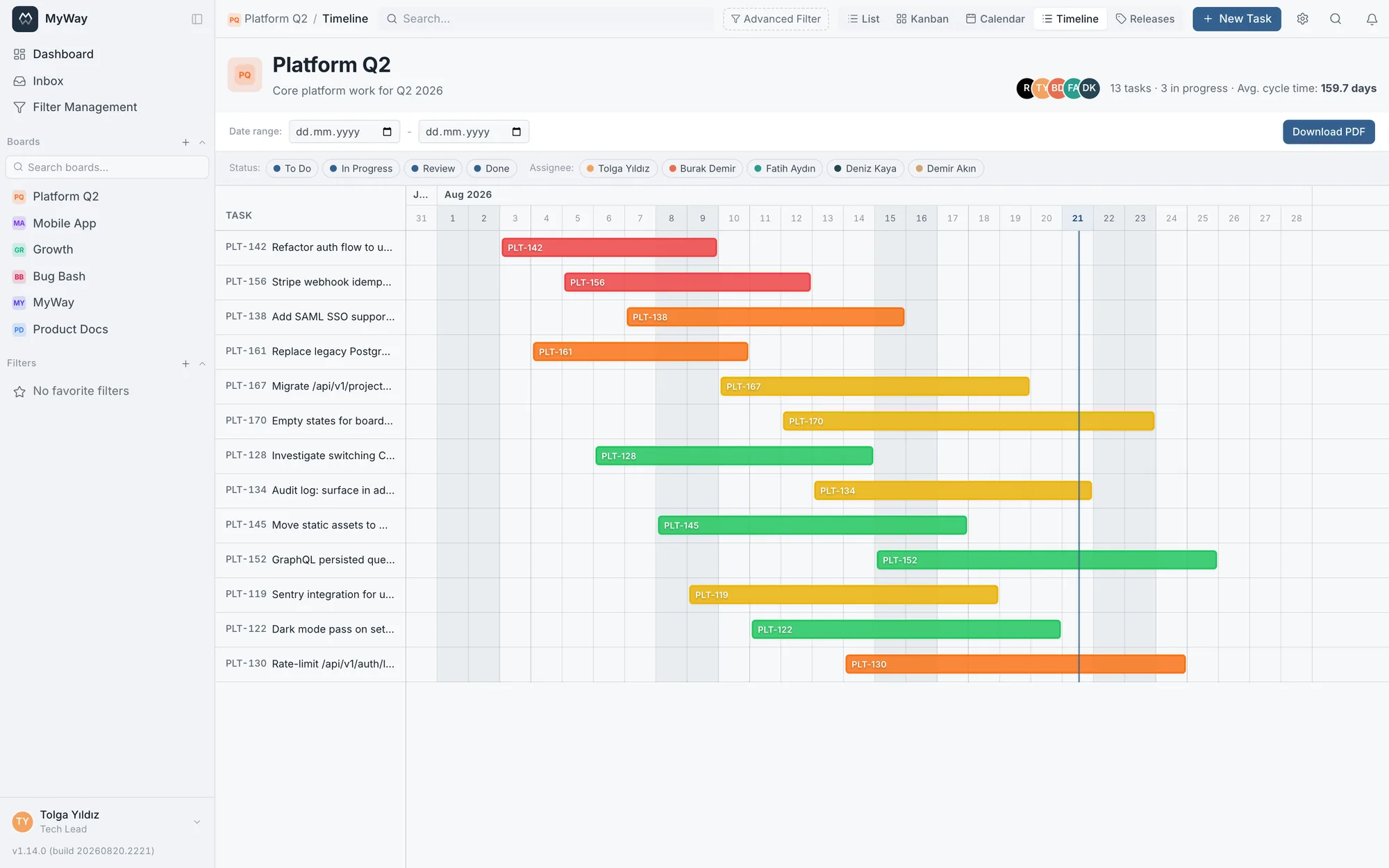
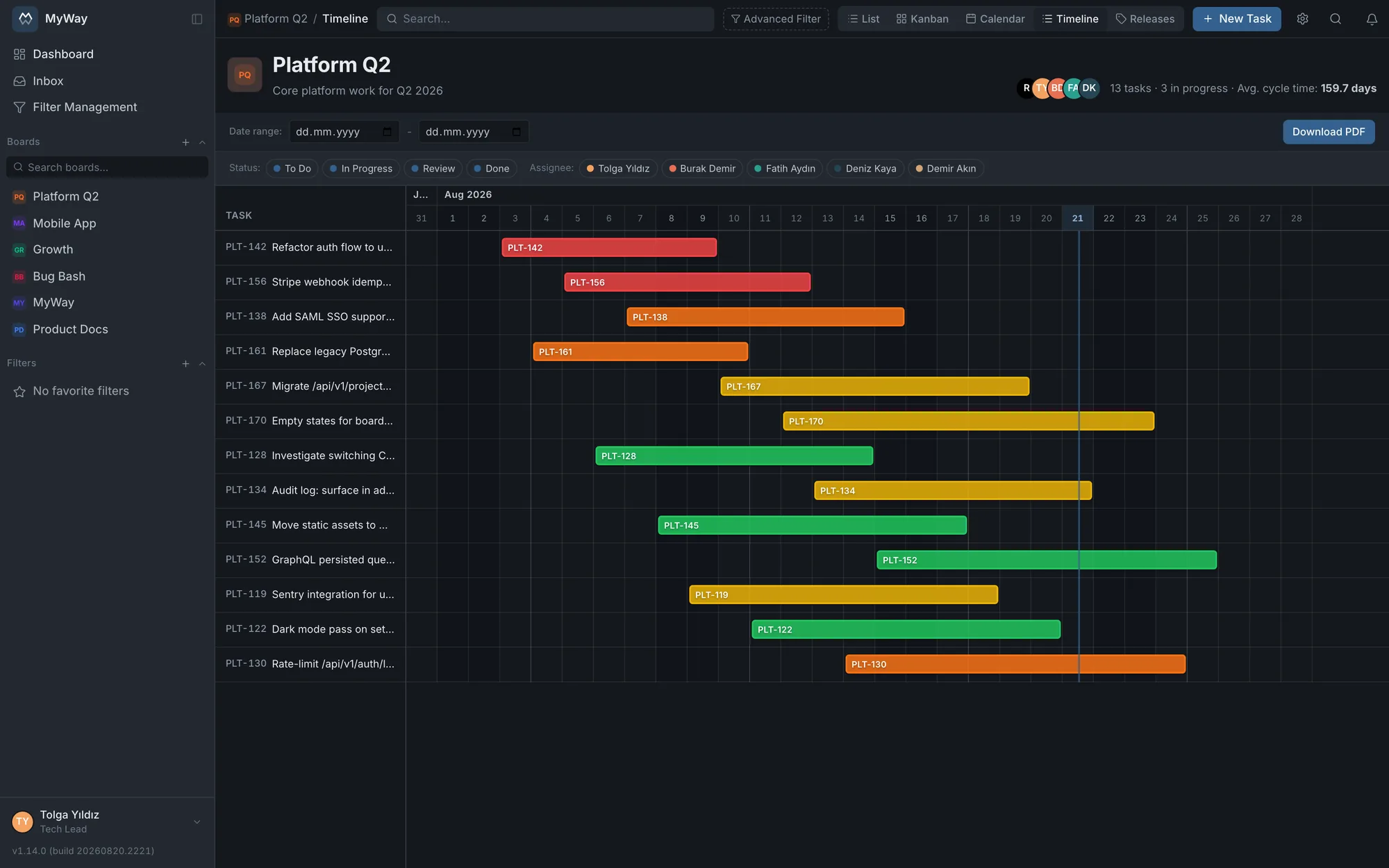
Track tasks grouped by epic along a date axis. Progress fill, a "today" line, release milestones, weekend and holiday shading, and PDF export.
Board setup & management
Create a new board with another board’s workflow, fields, issue types and roles. Manage them all from the Boards page, archive the ones that are finished, and attach your organisation’s board code (12-P25001) to the name.
Product tour
See the screen, then decide
From Kanban to Gantt, docs space to the workflow designer. Every module with real sample data.
app.themyway.app/boards/platform
Boards
Adapts to how your team works
Kanban or Scrum? Both. Switch between a drag-and-drop board, a sprint backlog and a customizable list view in one click. WIP limits and workflow transition rules exactly the way you want them. Once your setup is right, you start the next board from an existing one: workflow, custom fields, issue types and roles arrive ready.
Includes
Drag-and-drop Kanban + WIP limits
Scrum backlog & sprint management
List view with customizable columns
Start a new board from an existing board's settings
app.themyway.app/boards/platform/timeline
Timeline & Gantt
See the roadmap at a glance
Track work grouped by epic as bars on a date axis. Progress fills, a 'today' line and release milestones make it instantly clear how the plan matches reality. Export the timeline as PDF.
Includes
Epic-based grouping + progress bars
Release milestones and a 'today' line
One-click PDF export
app.themyway.app/boards/platform/planning
Sprint planning
Plan the team with real capacity
Enter who works in the sprint, each person's daily capacity and their days off; the planning calendar lays the team out row by row against the sprint days. Capacity lost and remaining work are computed at the top; remaining work turns red once more work is planned than the team can carry. Drag a task's bar to shift its dates or hand it to someone else.
Includes
Per-person sprint calendar · idle capacity shows too
A saved capacity plan: team, daily capacity, leave
Drag to reschedule or reassign · holidays from the work calendar
app.themyway.app/docs/handbook
Docs space
A knowledge base that lives next to your work
No separate wiki tool needed. Wiki-style page hierarchy, version history, approval chains, tables and code blocks right inside the same product. Decide who sees what with page-level permissions.
Includes
Page hierarchy + table of contents
Version history & approval chain
Rich content: tables, code, callouts
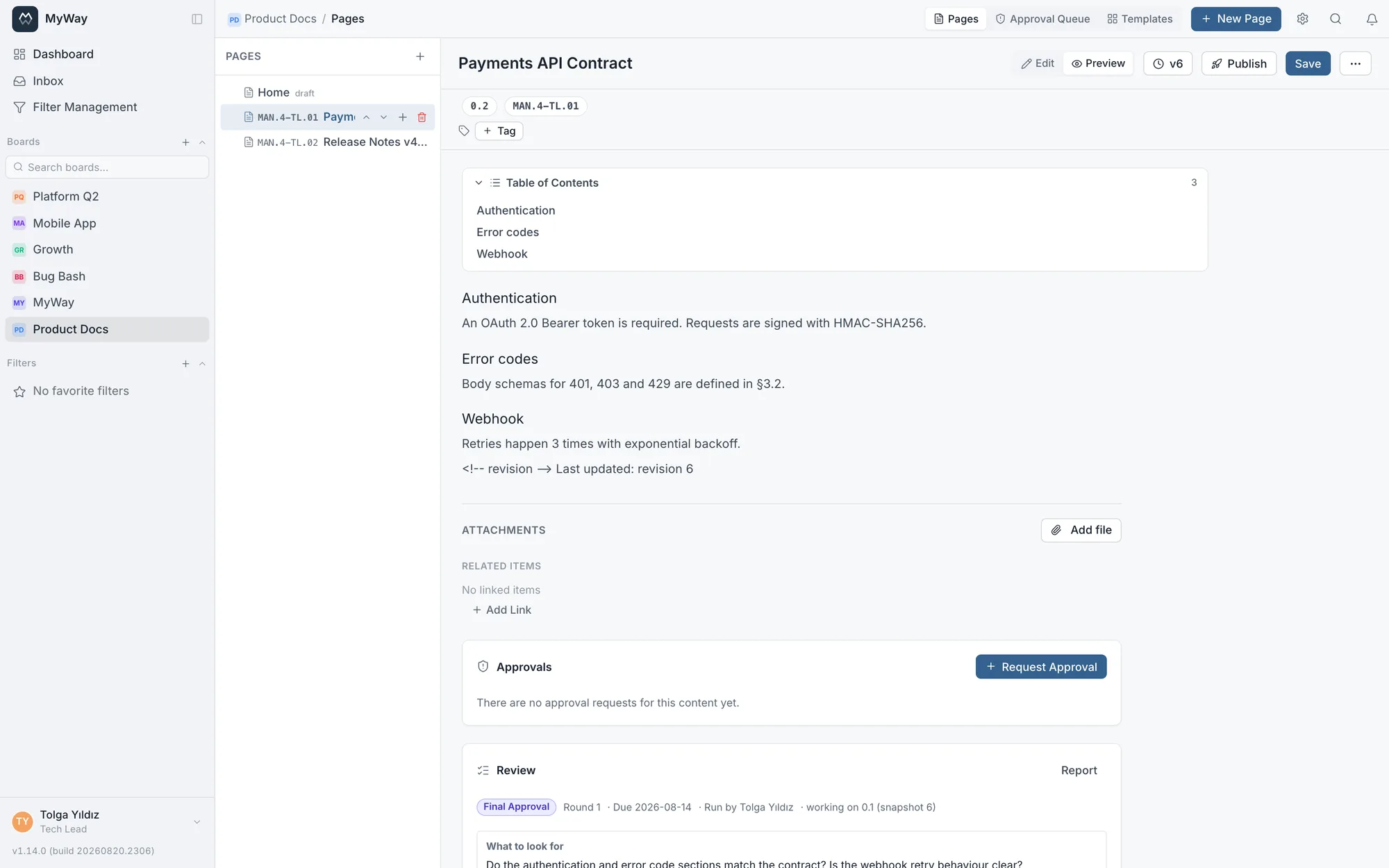
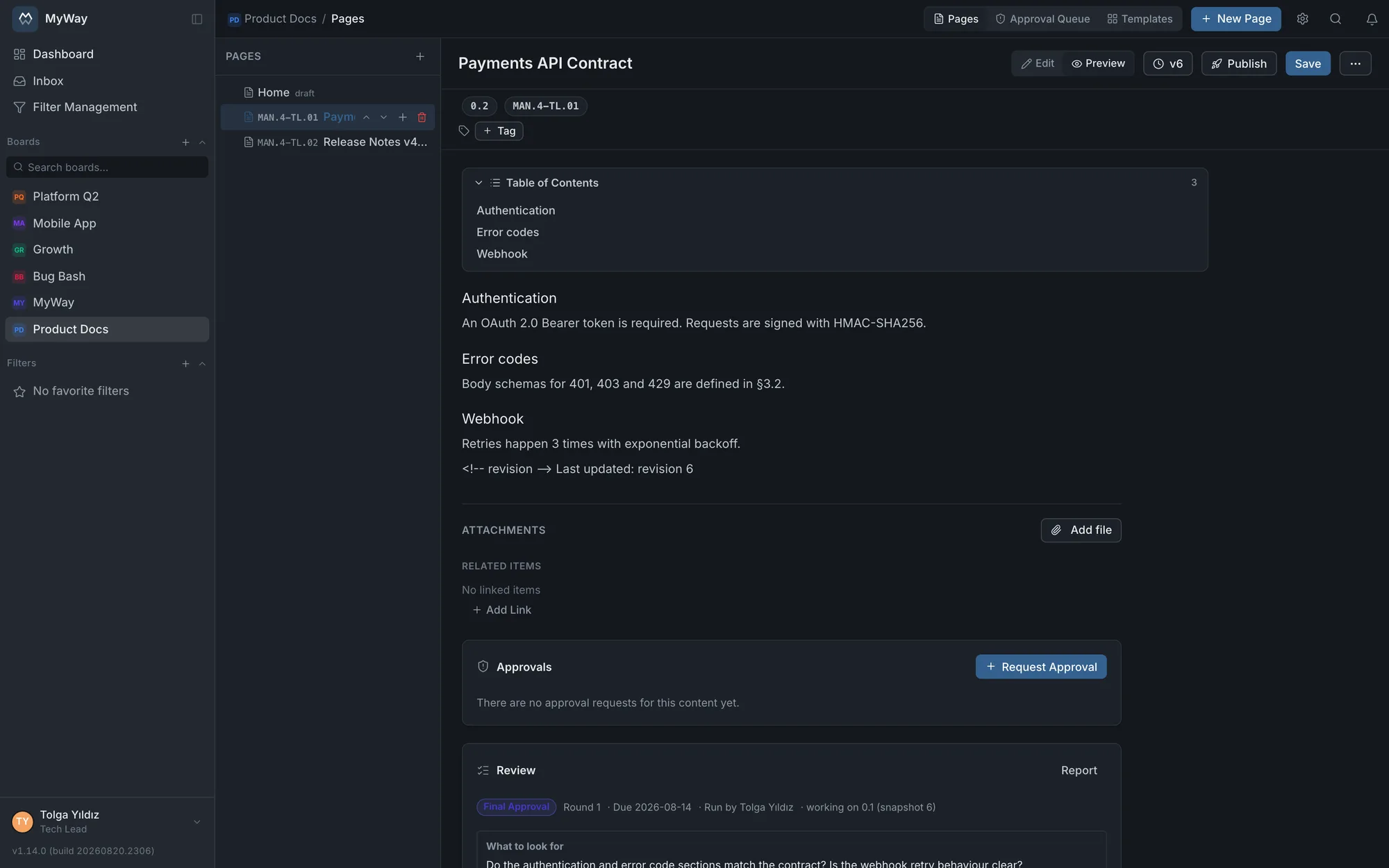
app.themyway.app/docs/payments-api
Codes, versions & approvals
Documents of a quality system
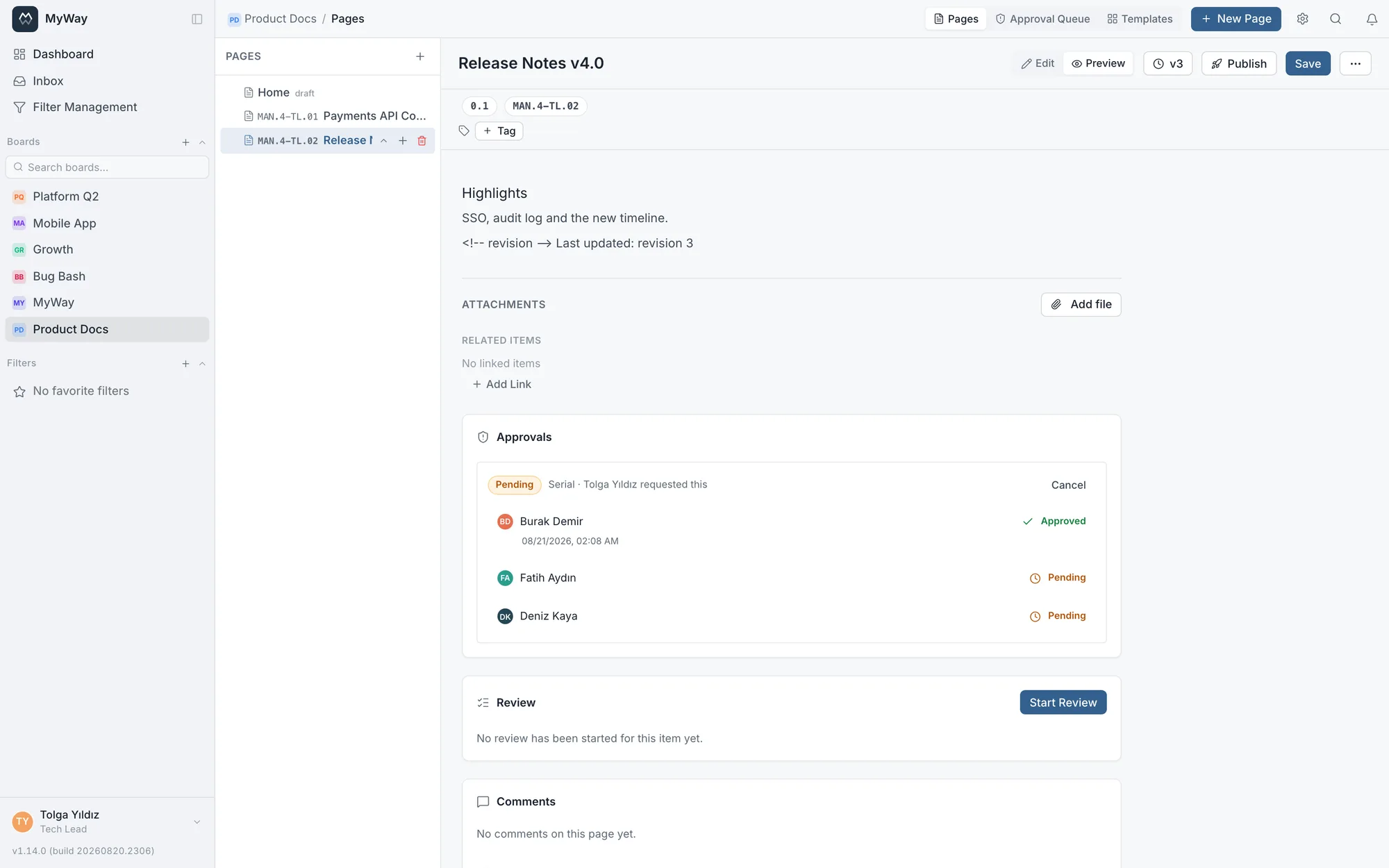
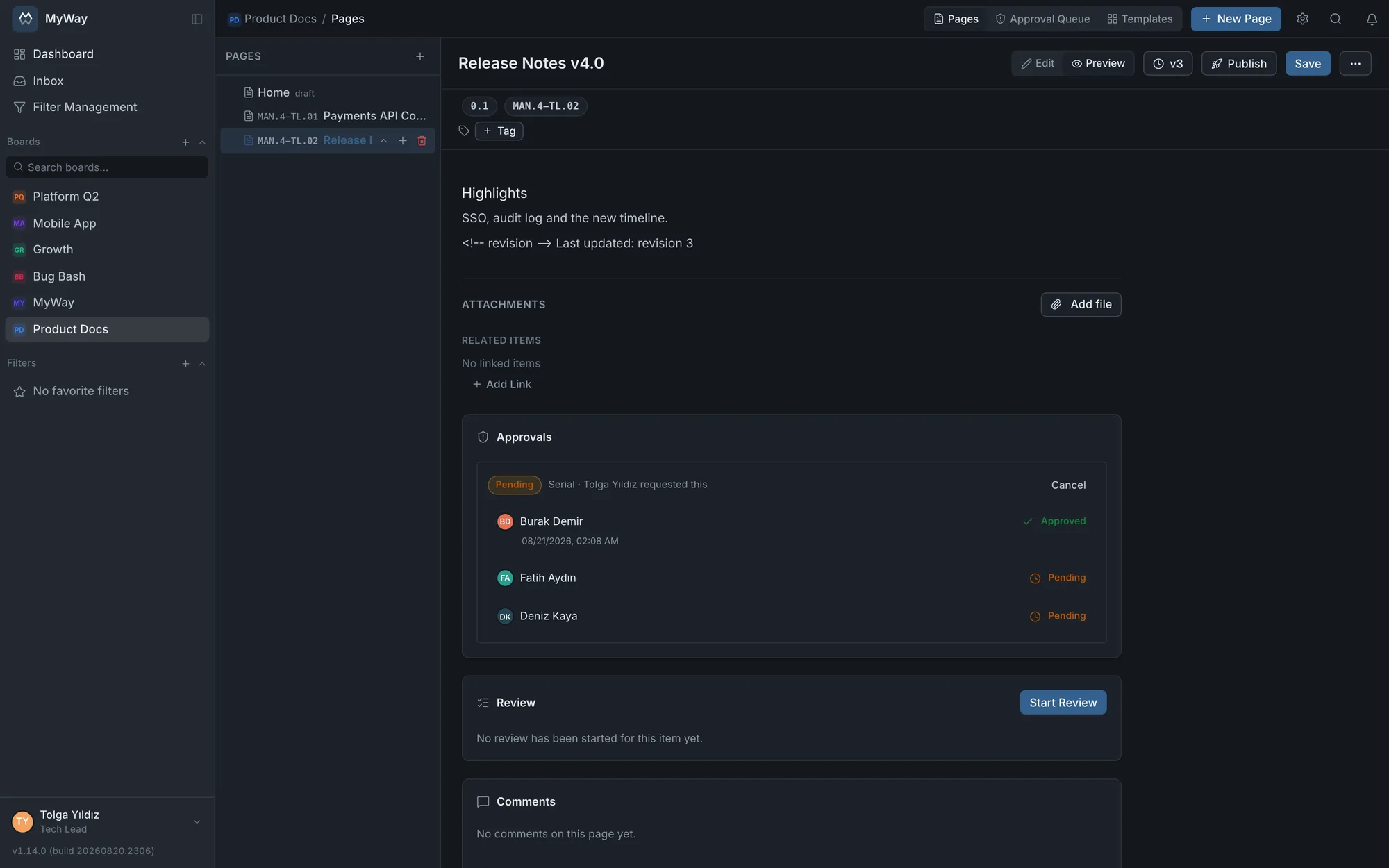
A quality document is referred to by its number and discussed by its version. You define a code series in board settings (prefix, separator, digits); every document created from a template bound to that series receives the next code automatically: MAN.4-TL.01. The version number tells you how mature it is: 0.1 draft, 1.0 once published, 1.1 when editing starts, 2.0 when published again. A deleted code is never reissued, so no two documents can share a code in an audit.
Includes
Code series with automatic numbering, shown in the tree, in search and in PDF/Word exports
QMS version scheme: 0.1 → 1.0 → 1.1 → 2.0, with diffs and one-click rollback
Multi-step approval chain (approved / waiting / queued), a publish rule (no publication without a review or an approval) and an audit trail
Word and Markdown import with links preserved · PDF / Word export
app.themyway.app/docs/payments-api/review
Formal review
Who said what, and what was decided · all on record
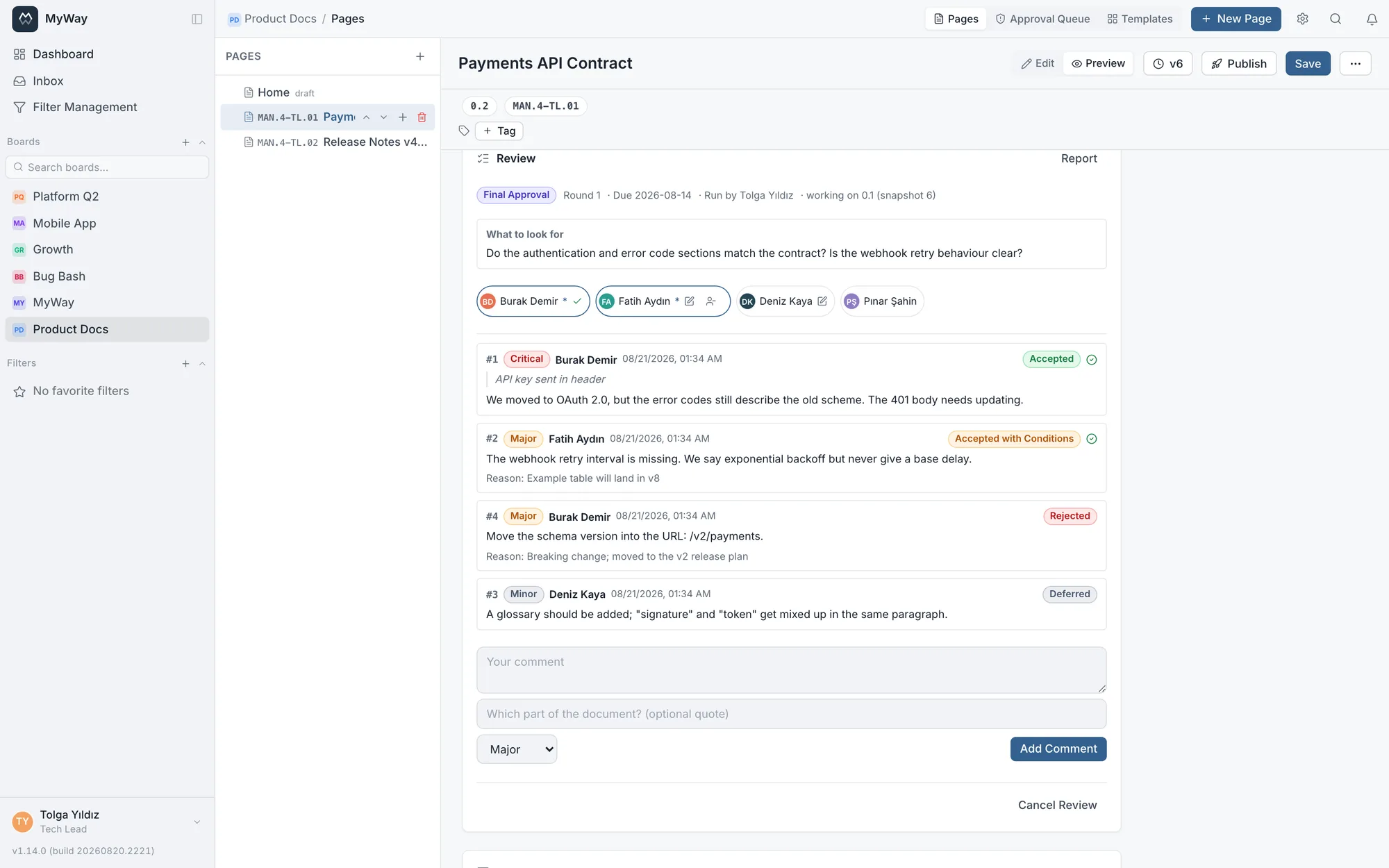
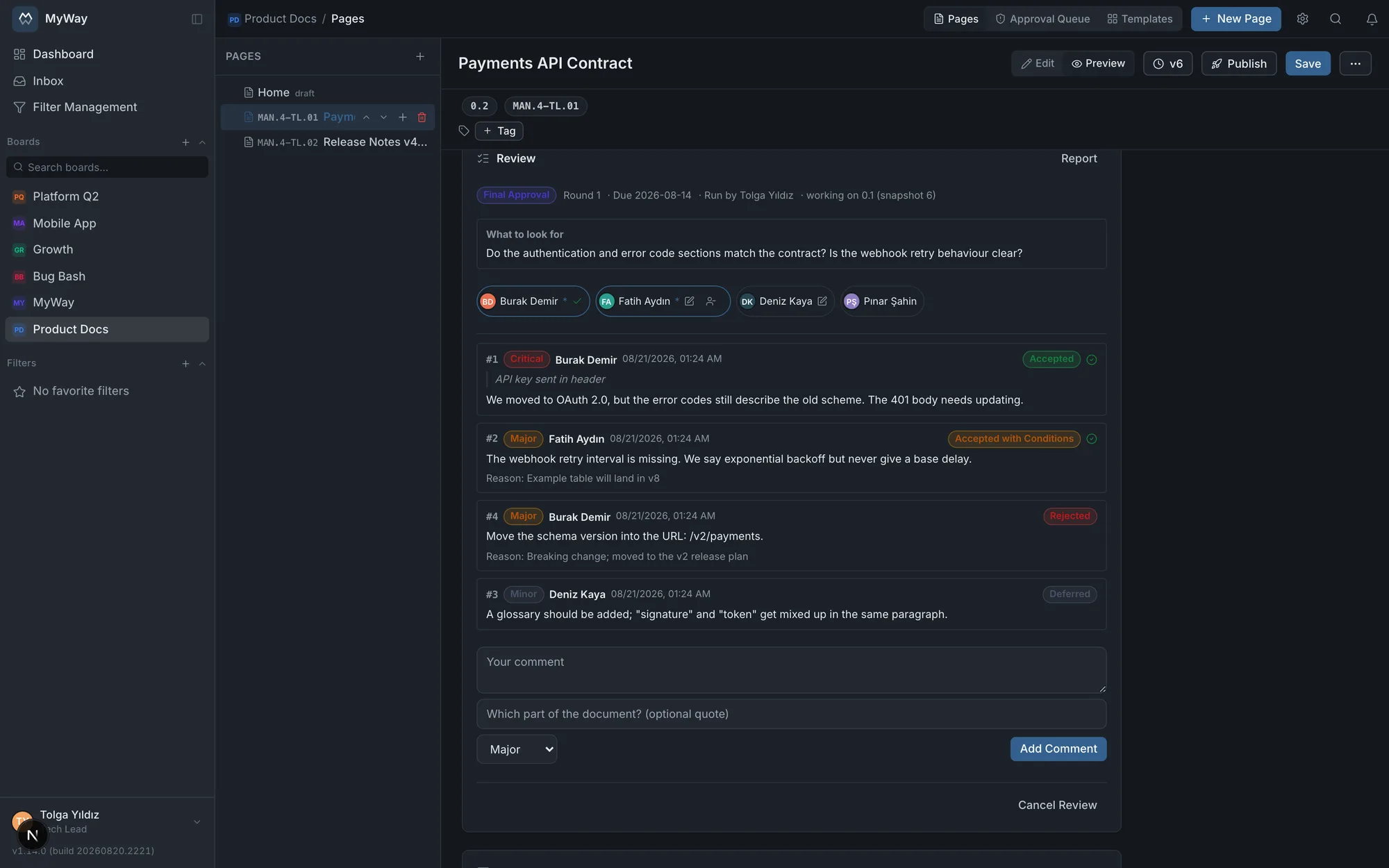
An approval is a single signature. A quality process asks for more: comments are collected, each one is dispositioned with a reason, the document is revised, then approved again. Review breaks that loop into rounds and puts every step on record. The question an audit asks is not “was a review done” but “who said what, and on what grounds was it decided”.
Includes
A round-based process: collecting comments, disposition, revision, final approval, ready to publish
Severity-ranked comments (critical to editorial) and reasoned decisions (accepted, conditional, rejected, duplicate, deferred)
The document freezes while a review is open, and findings receive permanent numbers (#1, #2)
The published version is stamped onto the review: “1.0 published” never changes afterwards
Designed around ISO 9001 clause 7.5 and IEEE 1028 inspection practice
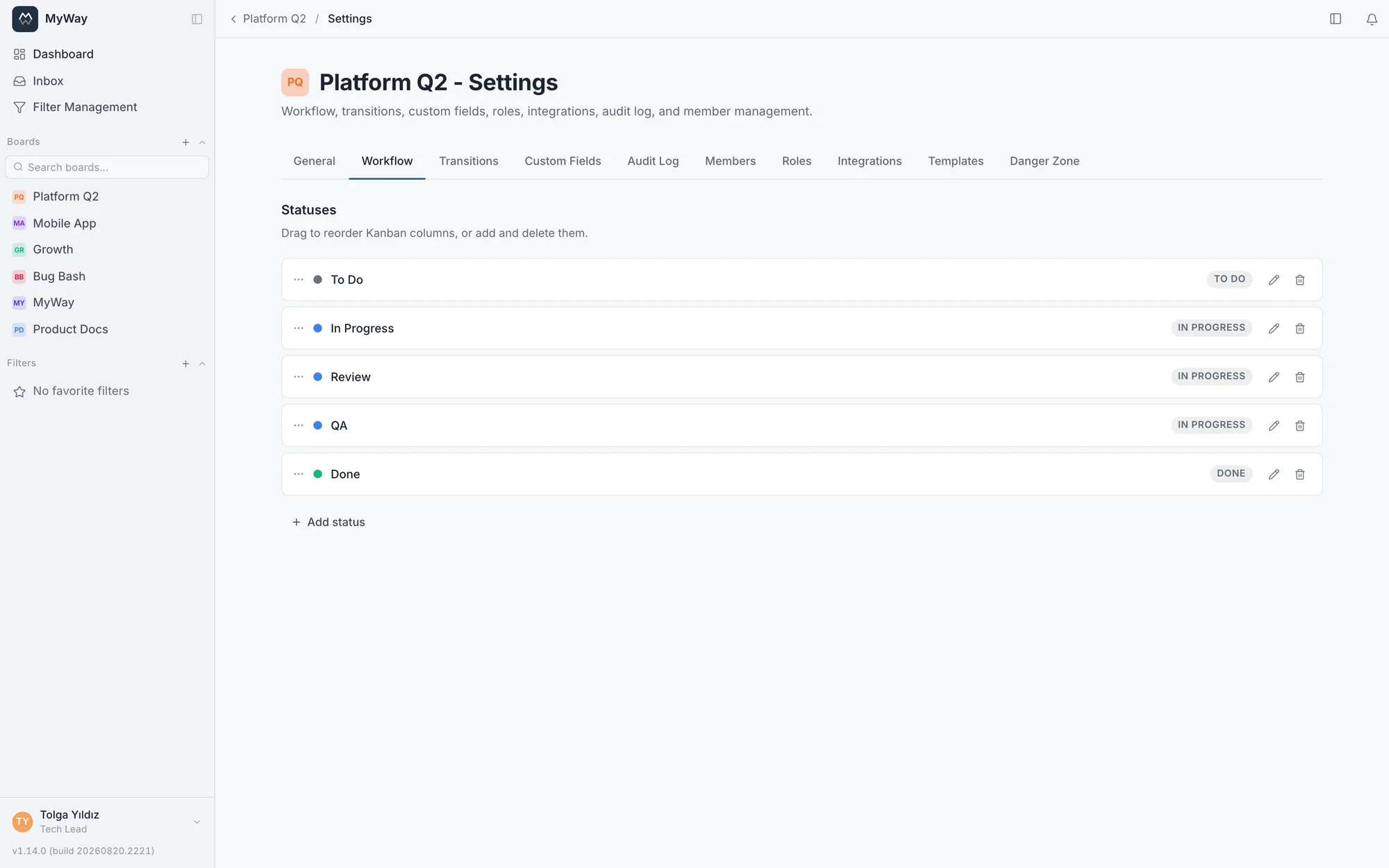
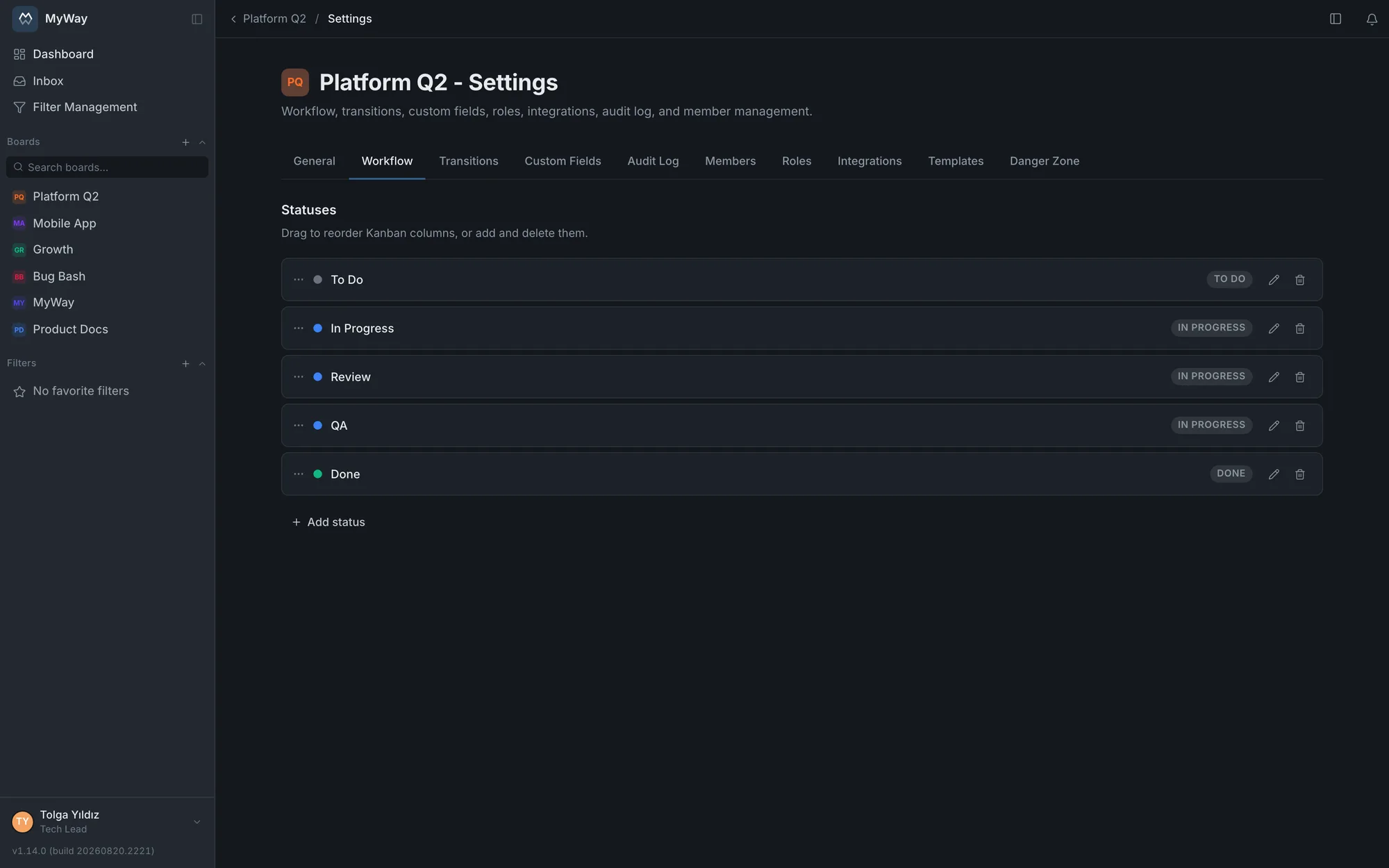
Create your own statuses, assign them to categories (To Do / In Progress / Done) and colors, set WIP limits. Tie a transition to a role, to people you pick, or to a person field on the task; when work enters a status it can be auto-assigned to the reporter, to whoever is named in that field, or to a fixed member. The process follows your team's rules.
Includes
Drag-and-drop status flow + WIP limits
Transition requirement: role, specific people or a person field
Auto-assignment on a status · task and title templates
Connect to GitLab over OAuth and add the projects you need to the board; they can come from different groups, and a whole group can be added at once. See branches, commits and merge requests inside the task; every row names the project it came from. Branches and MRs are opened under each person’s own GitLab account. Best of all: map GitLab events to workflow statuses so a merged MR advances the task, and "Closes CJ-123" in the MR description does the same.
Includes
Projects from several groups on one board · a GitLab Project field on the task
Event → status automation · closing with "Closes CJ-123"
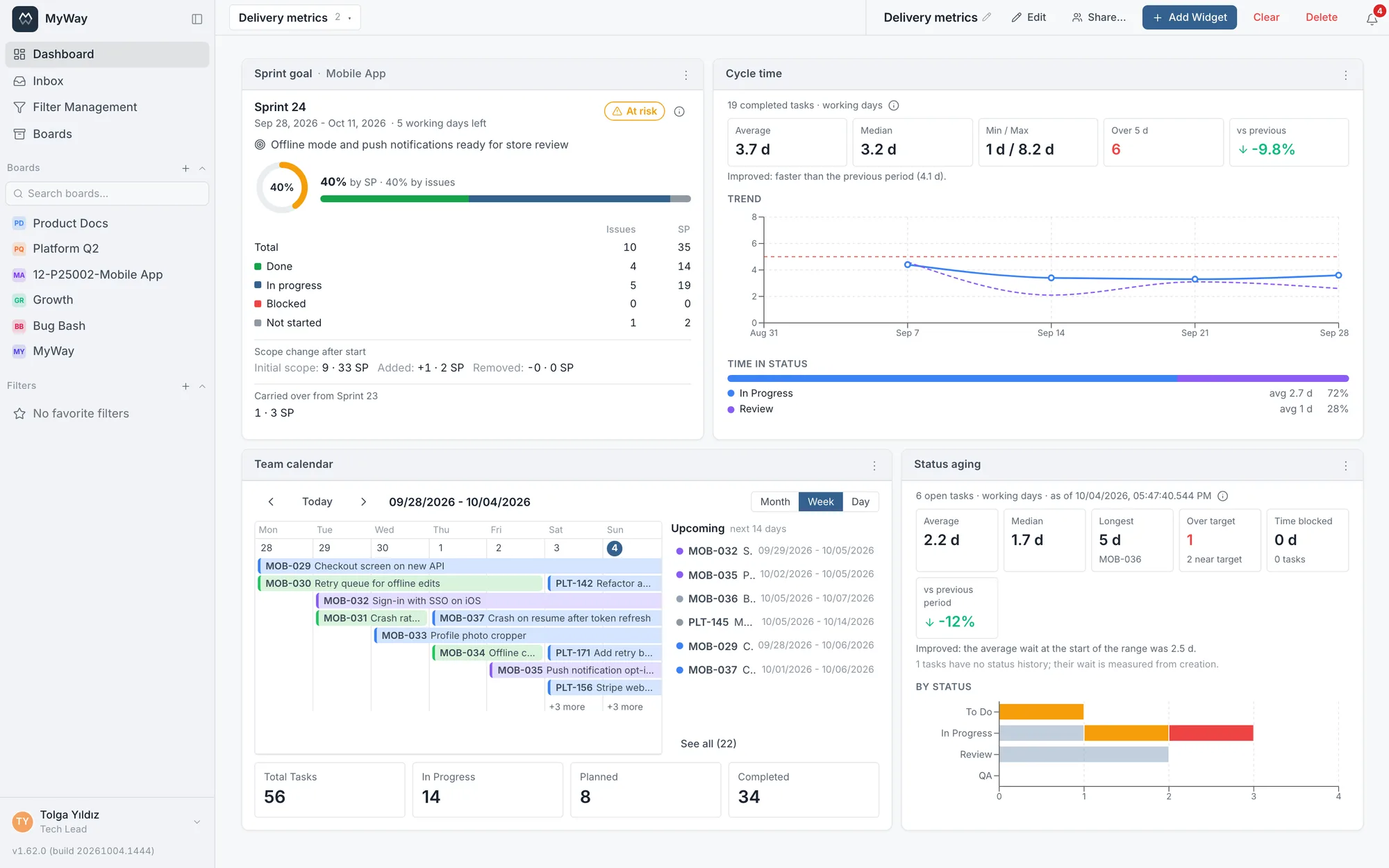
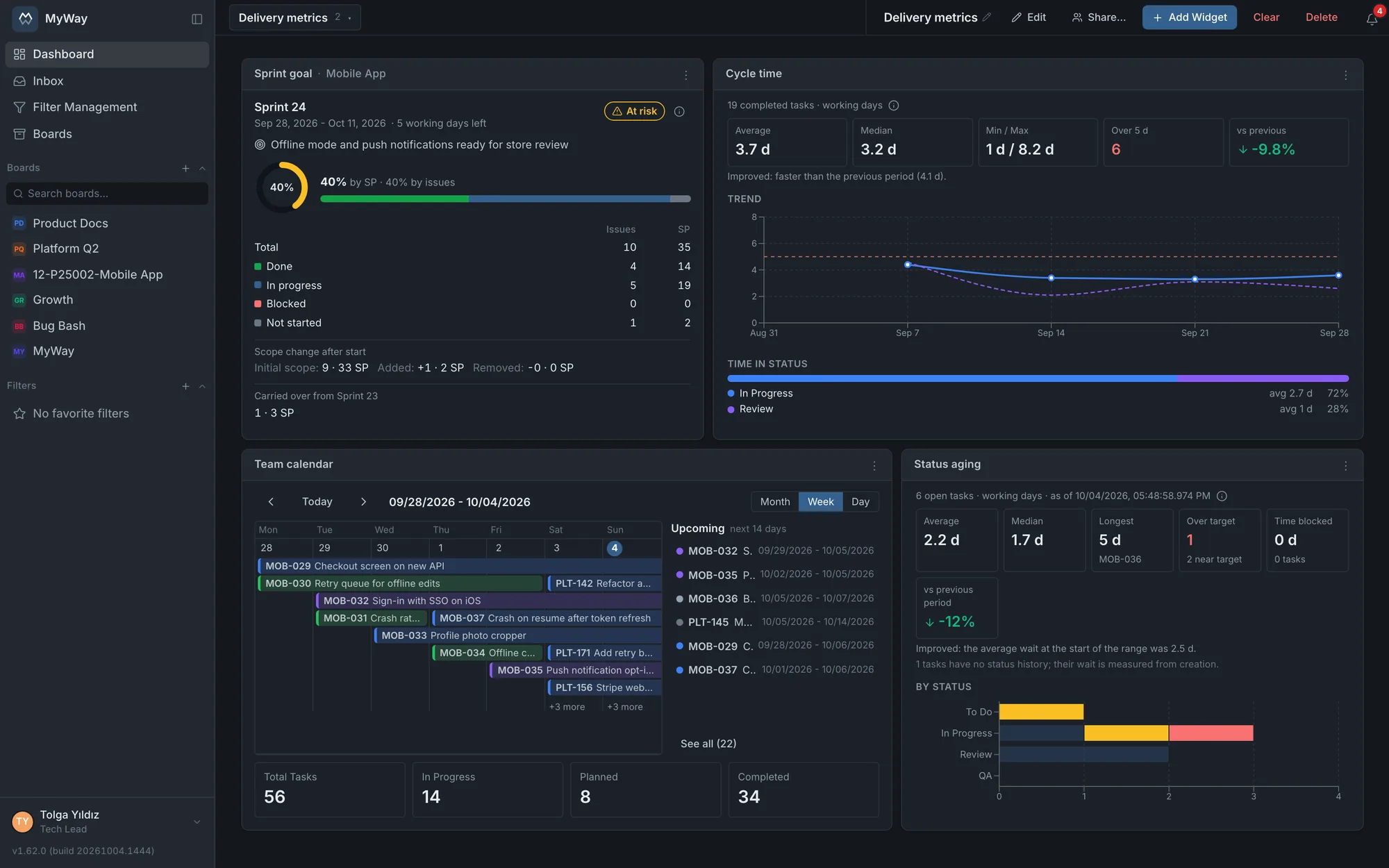
Will the sprint make its goal, how long does work take, what is due in the next two weeks: three answers on one dashboard. The sprint goal card shows working days left, scope added after the start and the risk; the cycle time card shows the average, the median and the change against the previous period; the calendar card gathers work from several boards in month, week or day view; the Status aging card shows which work has overstayed its target in which status. Burndown, velocity, CFD and distribution cards sit alongside; drill from a pie straight into a filtered list.
Includes
Tabbed multi-dashboards + 15 widget types
Sprint goal, cycle time, calendar, Status aging
Drill-down: from a pie to a filtered board
app.themyway.app/browse/CJ-244
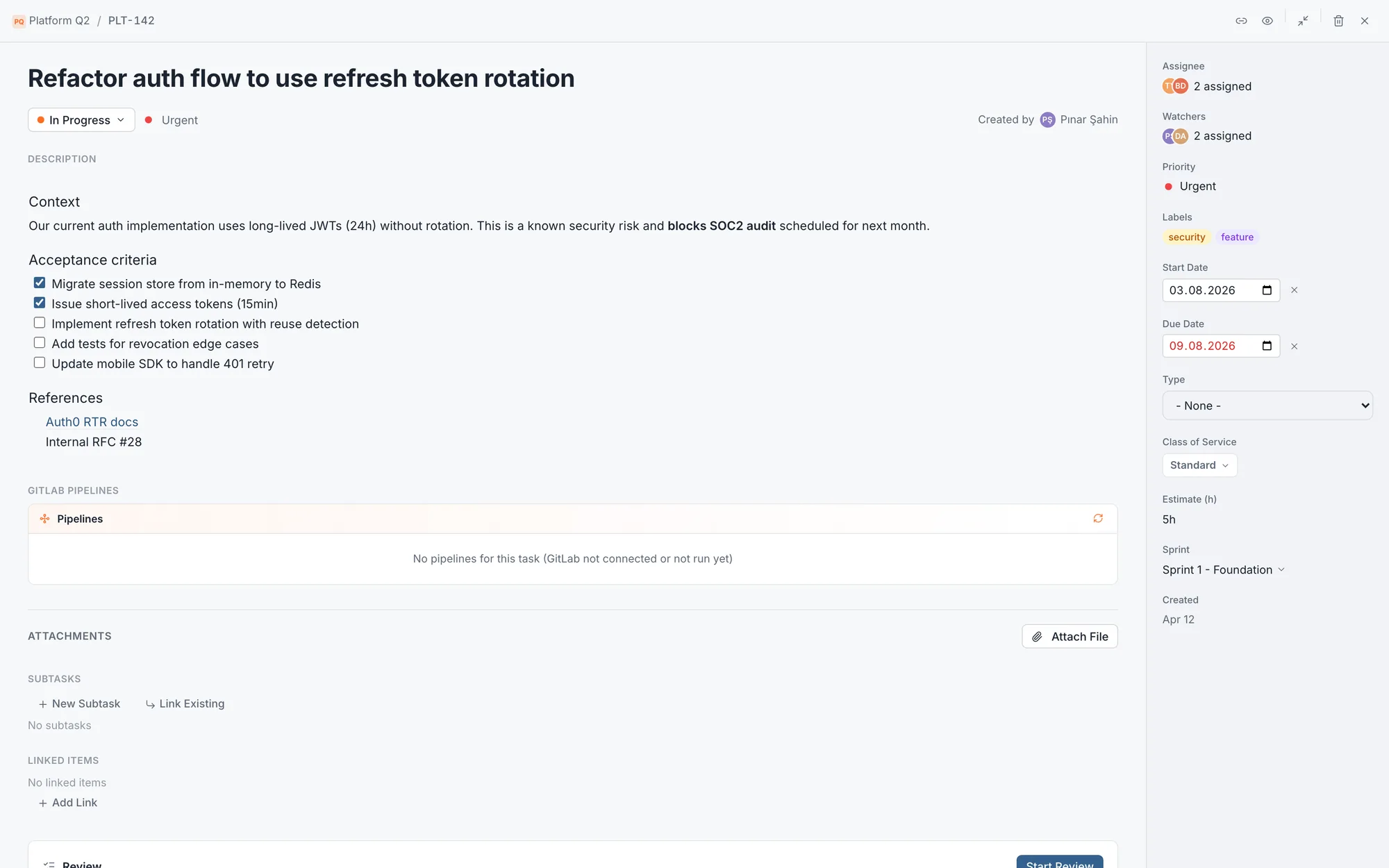
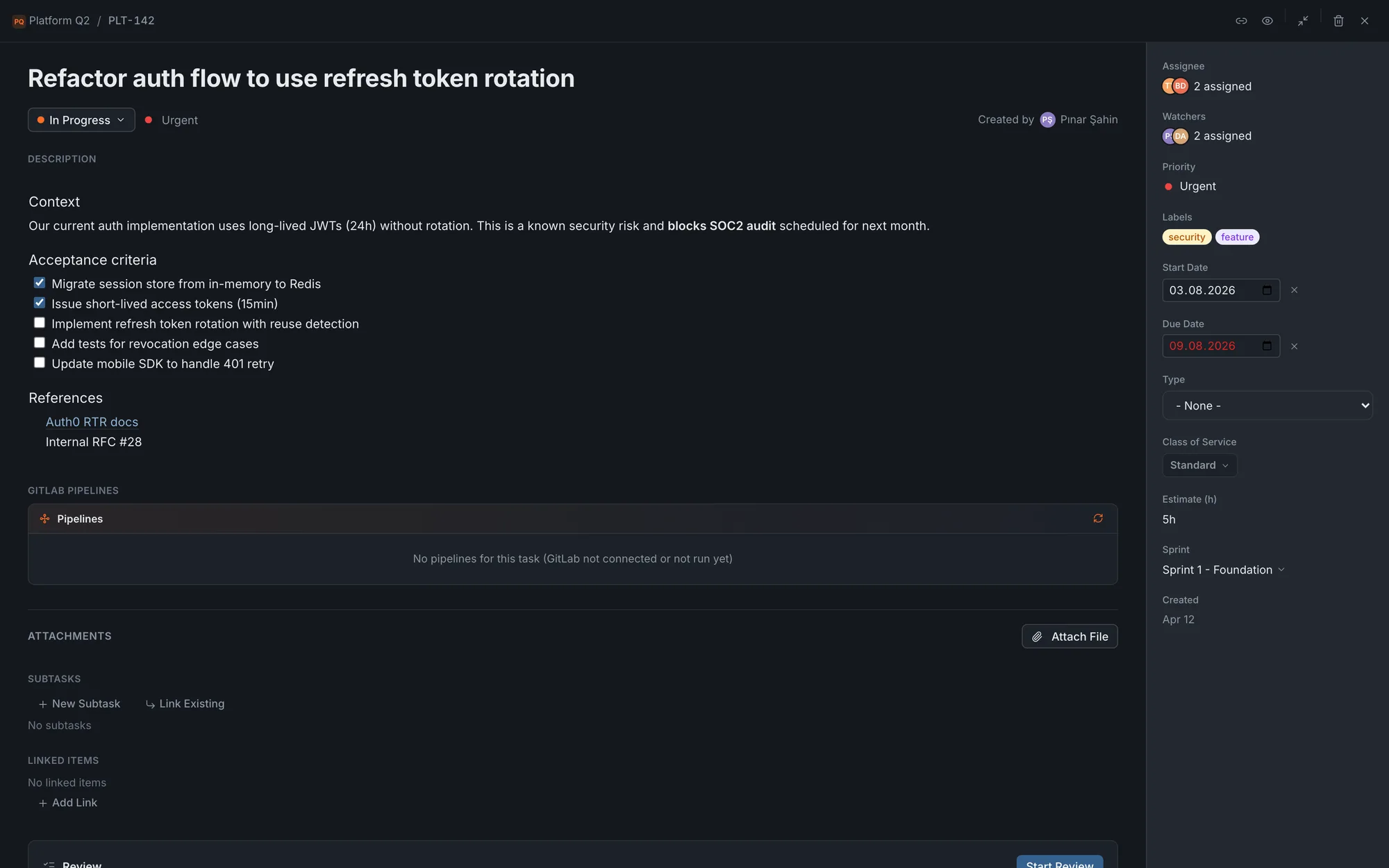
Task detail
The whole job inside one task
Description, sub-tasks with progress, linked issues ('blocks / blocked by'), attachments and the full field set on one screen. Keep the conversation in context with @mention comments; watchers stay in the loop on every change. No tab-switching to hunt for context.
Includes
Sub-tasks, linked issues and attachments
@mention comments + watchers
Assignee, priority, Fix Version, labels in one panel
app.themyway.app/boards/platform
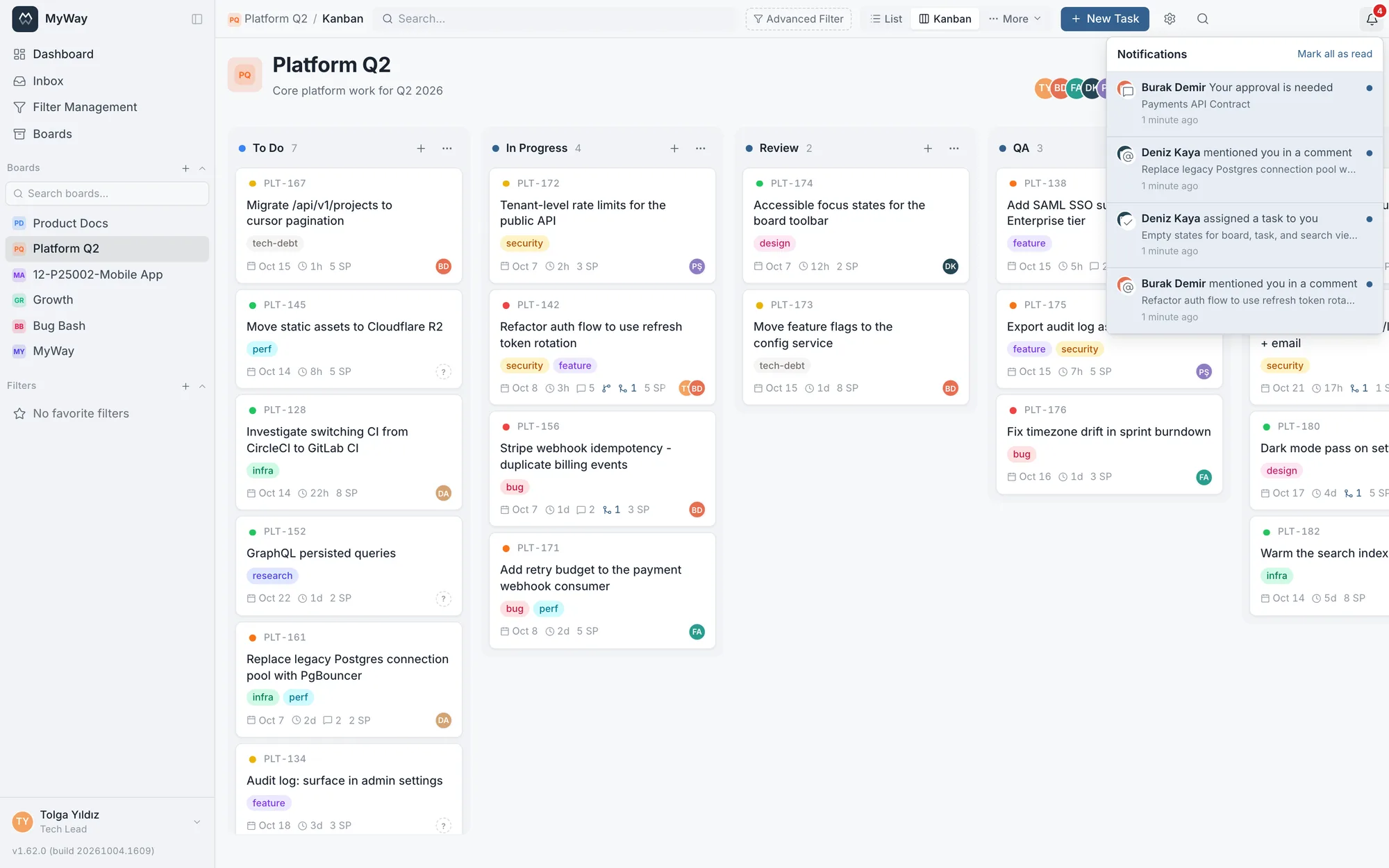
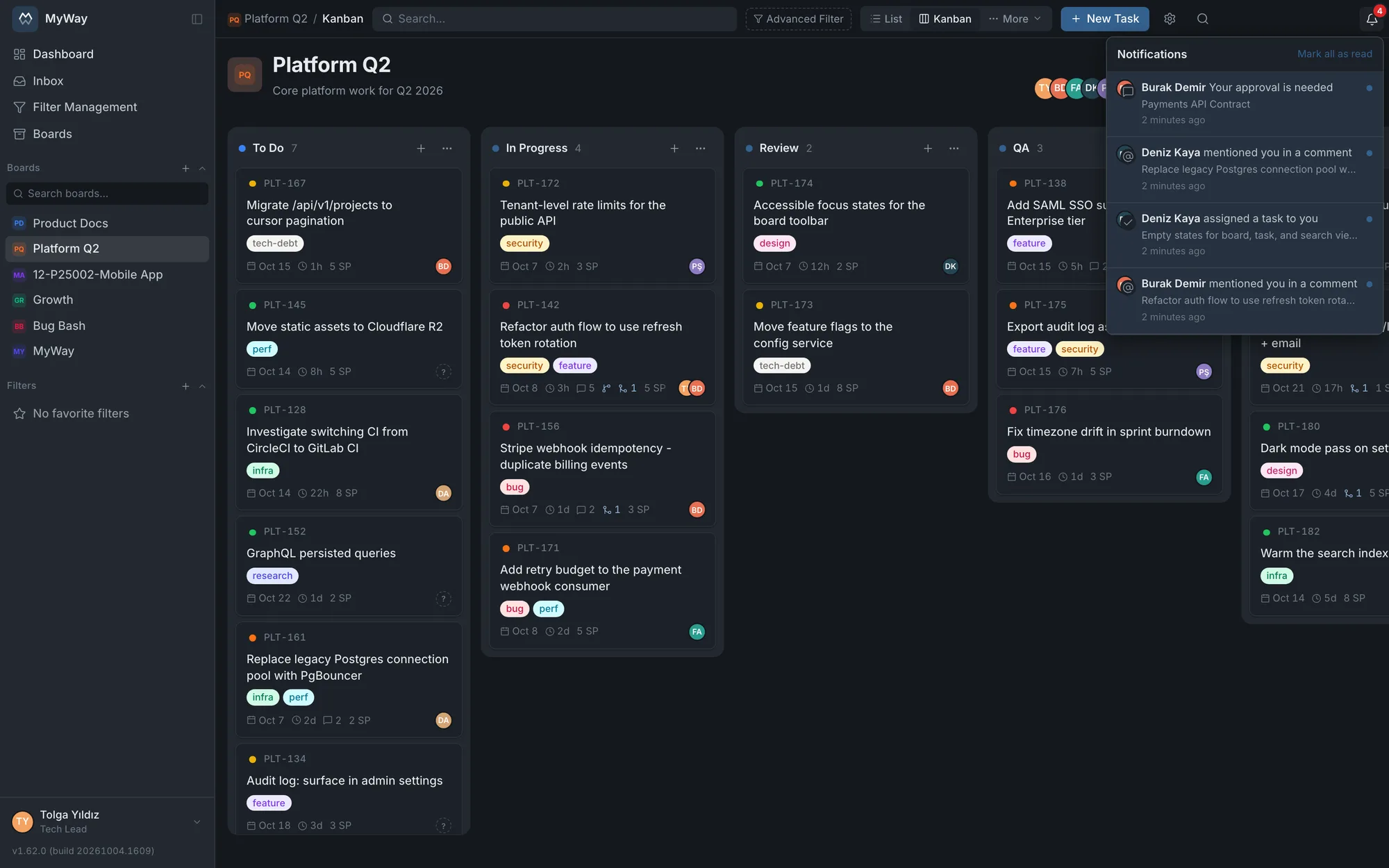
Notifications & inbox
Miss nothing, drown in nothing
Assignments, comments that mention you, status changes, due dates, approval and review requests gather in the notification bell. Read/unread tracking, one-click 'mark all read', and a click takes you straight to the task or page. Connect your own SMTP server and the same events arrive by email too.
Includes
One bell: mentions, assignments, status, due dates, approvals, reviews
Read/unread + one-click mark all read
Separate bell and email switches · email in the recipient’s language
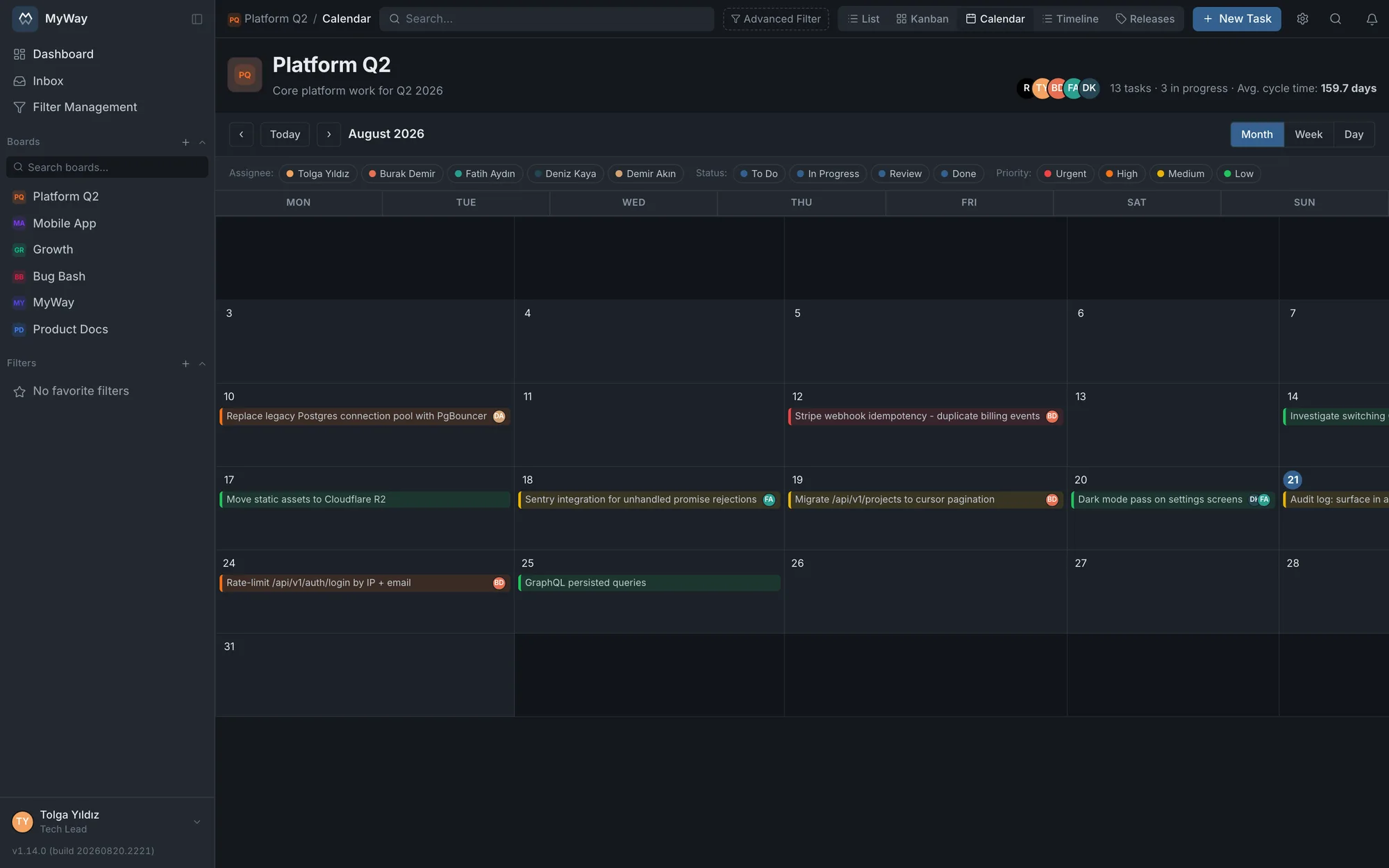
app.themyway.app/boards/platform/calendar
Calendar view
Everything with a date, on one calendar
See due dates, sprint start and end, and release dates on a color-coded month calendar. Source it from the board's own date fields and see public holidays in place. Spot overloaded days at a glance; drag a task to another day to reschedule.
Includes
Due dates, sprints and releases on one calendar
The board's own date fields · public holidays visible
Month / week view · drag to reschedule
Why self-hosted?
Your data stays on your server
You're not locked into SaaS. Install on your own infrastructure with a flat yearly license and run it with unlimited users.
Full data ownership
Tasks, docs and user data live in your own PostgreSQL database. No third-party servers.
Flat yearly price
One plan, no hidden tiers. A predictable budget that doesn't change with your headcount.
5-minute setup
Bring it up with Docker Compose. PostgreSQL + Next.js, minimal external dependencies.
Runs air-gapped
Works in isolated networks with no external service; public holidays are entered by hand.
GDPR / KVKK friendly
Data never leaves your borders; compliance control stays entirely with you.
Unlimited users
The paid license has no per-seat pricing; your cost doesn't grow as your team does. (The free plan covers up to 10 users.)
Pricing
Pick the plan that fits
No hidden tiers. Free for up to 10 users; a yearly on-prem license for unlimited users.
Self-hosted. You install the product on your own server or cloud instance. Your data never touches our servers.
It comes up in a few minutes with Docker Compose. Everything, the database included, ships in the package; you do not install PostgreSQL separately. The installer asks for the address, the ports and your license key (plus a certificate email when you use a domain name) and handles the rest. No domain name? You can install with the server’s IP address.
Yes. The installation package carries the application images inside it, so nothing is downloaded during setup. The diagram editor ships inside the product too and makes no outbound calls from the browser. Only update checks, automatic TLS certificates and fetching public holidays by country need the internet; in an air-gapped network they stay off, holidays are entered by hand and the product keeps working.
Three things: the database, the uploaded files and the settings file that holds the secret keys. The bundled ./scripts/backup.sh takes and verifies all three with one command, and the installer offers to set up a daily automatic backup. Since the data lives on your own server, the backup policy is entirely yours.
The interface is available in English and Turkish, and each user picks their own. Notification emails follow the recipient's language too.
Not on the paid license: a flat yearly price with unlimited users, no extra cost as your team grows. The free plan covers up to 10 active users; move to the paid license when you need more.
Nothing happens to your existing users: no lockout, no data loss. You simply can't add an 11th user. Deactivate someone to free a seat, or move to the paid license for unlimited users.
Yes. While your license is active you get all product updates and new add-ons. You roll out new versions on your own schedule, with one command on the server: ./scripts/update.sh backs up first, then installs the new version.
MyWay is not a quality management system; it is the tool that manages that system's documents: document codes (like MAN.4-TL.01, never reused), QMS version numbers (0.1 draft, 1.0 published, 2.0 republished), approval chains, round-based formal review, audit logs and a PDF audit report. These were designed around ISO 9001:2015 clause 7.5 and IEEE 1028 inspection practice. No software can be “ISO 9001 certified”: certification is granted to an organization, not to a tool. The Quality standards page in the guide maps each capability to its clause and states plainly what we leave out of scope.
On the yearly license, a valid license is required to run the app. When it expires the app keeps running with a warning for a short grace period; if you don't renew within it, the app locks and you need to renew to continue. Your data stays safe on your server. Renew and you pick up where you left off. (The lifetime license never locks.)
Paddle is a checkout platform that acts as Merchant of Record: it handles secure payment and global tax compliance, collects the payment, calculates VAT/sales tax and issues the invoice.
You can try the live demo before buying. See the terms on the checkout page for refund conditions.
Put your work and its record on your own server today
$1199 a year. Unlimited users, full data ownership, full control on your own server.