Roller & izinler
Pano başına roller, özel rol matrisi ve denetim günlüğü.
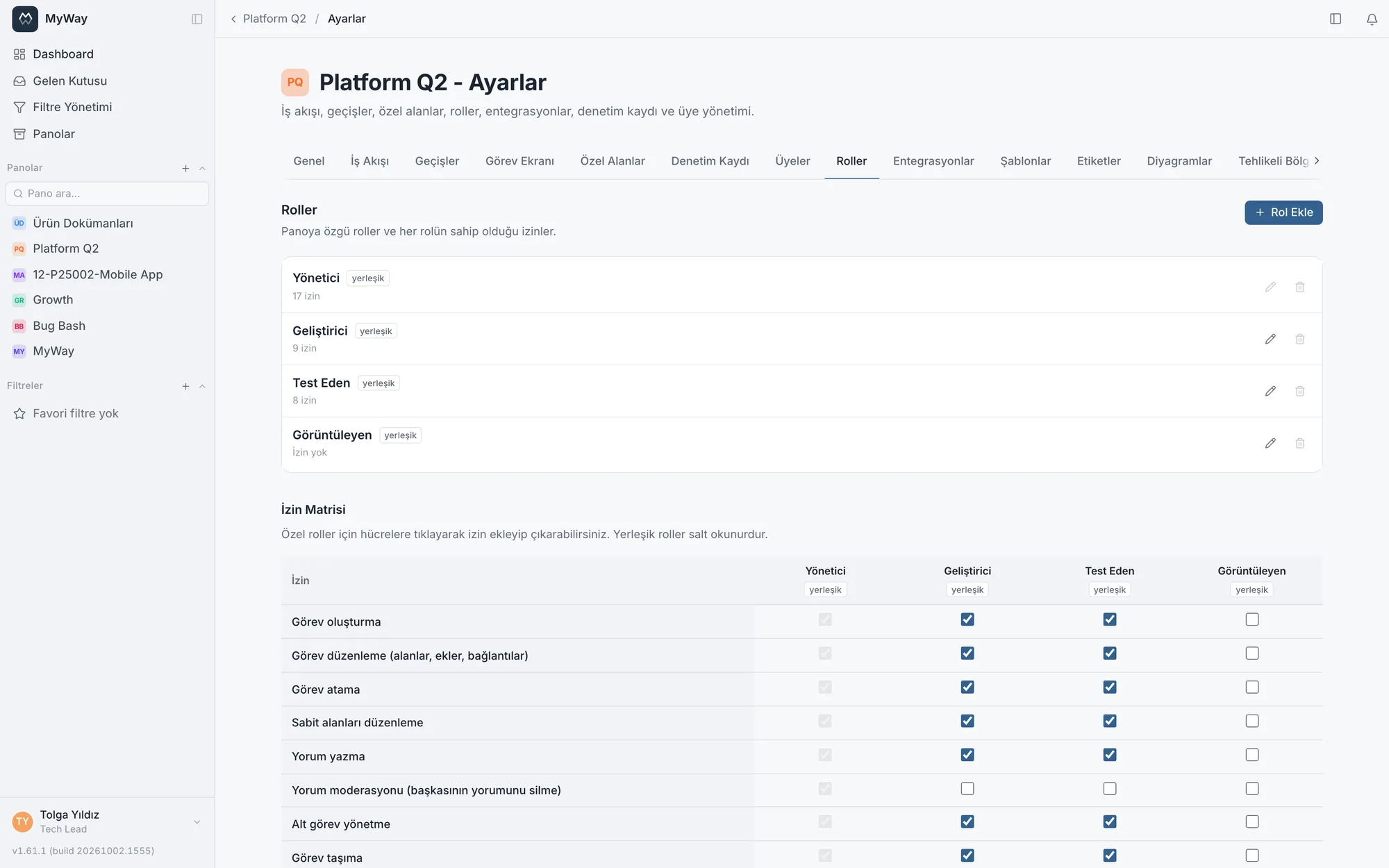
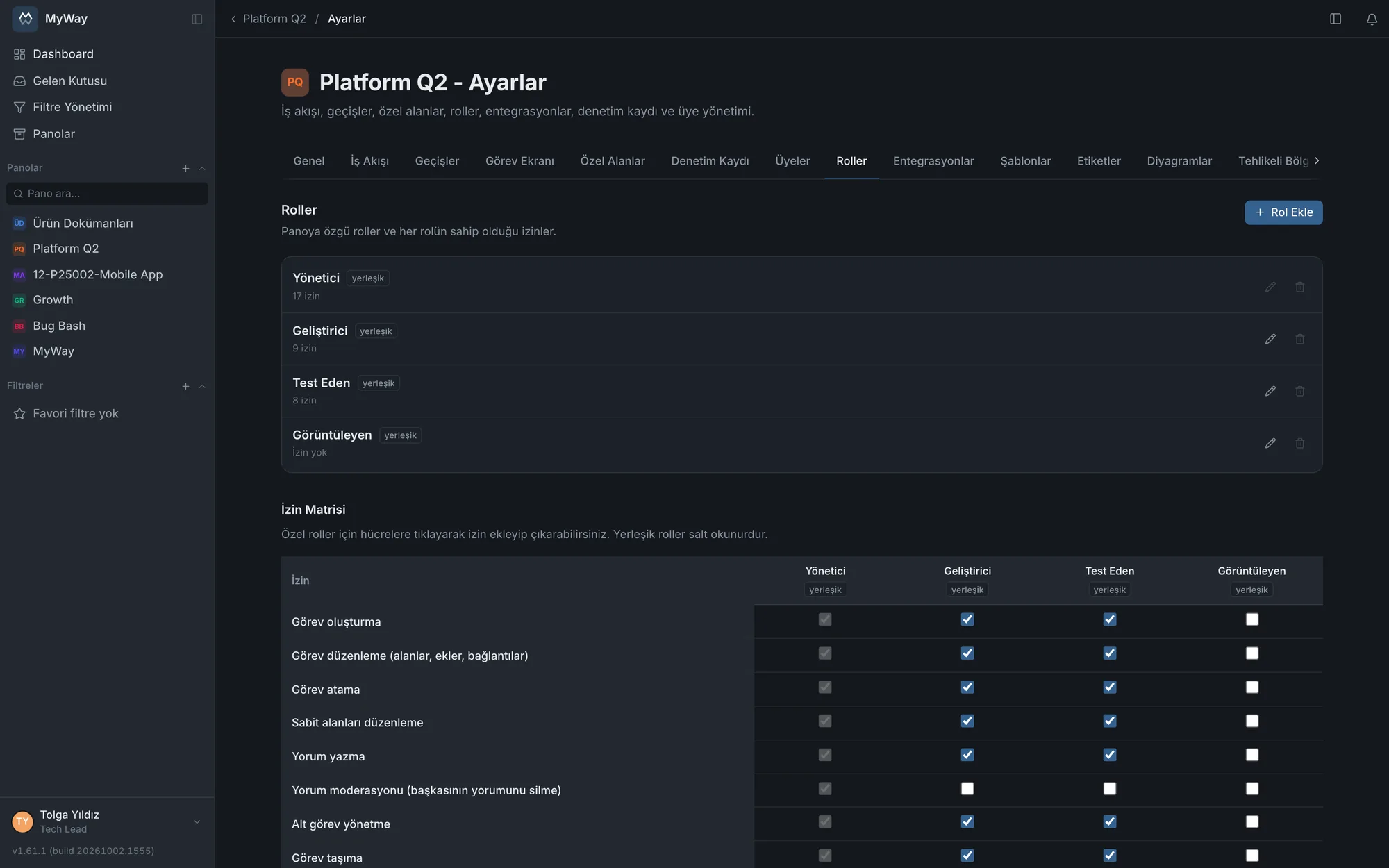
İzinler pano bazında yönetilir. Yerleşik roller (admin, developer, tester, viewer) yanında kendi özel rollerini tanımlayabilir ve her role hangi eylemlerin açık olduğunu bir matriste işaretleyebilirsin.
Hazır roller kilitli değildir: Geliştirici, Test Eden ve Görüntüleyen rollerinin adı da taşıdığı izinler de Pano Ayarları > Roller’den değiştirilebilir. İki sınır vardır: Yönetici rolü değişmez (kazara kimsenin yönetim yetkisi kaybolmasın diye) ve bir role kendinizde olmayan bir izni veremezsiniz.
Matristeki değişiklikler kutuya tıklar tıklamaz kaydedilmez: birden çok rolde kutu işaretleyebilirsin, altta kaç rolün değiştiğini ve hangileri olduğunu gösteren bir çubuk çıkar. "Kaydet" hepsini birlikte kaydeder, "Vazgeç" kaydedilmemiş değişiklikleri geri alır. Bir rol kaydedilemezse öteki roller kaydolmuş kalır, kaydedilemeyenin değişikliği ekranda bekler ve yeniden denenebilir. Rol sütunları her zaman aynı sırada durur: önce hazır roller (Yönetici, Geliştirici, Test Eden, Görüntüleyen), sonra özel roller oluşturulma sırasıyla.
Panolar özeti: kim nerede hangi rolde
Ayarlar sayfasındaki "Panolar özeti", üyesi olduğunuz panoları rolünüzle birlikte tek tabloda gösterir. Çalışma alanı yöneticisi kendi görünümünün yanında bir de yönetici görünümüne bakabilir: kimin hangi panoda hangi rolde olduğu, gruplar üzerinden gelen roller de dahil, tek ekranda görünür. Tablo sunucu tarafında sayfalanır. İzin denetimi yaparken başlangıç noktası burasıdır; tek tek pano ayarlarını açmadan aykırı bir yetkiyi görürsünüz.
Yetki eylemleri
Matriste yirmi altı ayrı yetki vardır ve aşağıdaki tablo hepsini sayar. Sağ sütun, hazır rollerden hangilerinde o kutunun işaretli GELDİĞİNİ gösterir; hepsi rol matrisinden değiştirilebilir. Görüntüleyen hiçbir yetki taşımaz, o yüzden sütunda hiç geçmez.
| Yetki | Neyi açar | Hazır rollerde |
|---|---|---|
| Görev oluşturma | Panoda yeni görev açmak. Kapalıysa "Yeni görev" düğmesi, kolonlardaki "+" ve hızlı ekleme satırı, görev içe aktarma ve "Yeni alt görev" hiç görünmez. | Yönetici · Geliştirici · Test Eden |
| Görev düzenleme (alanlar, ekler, bağlantılar) | Var olan bir görevin içeriğini değiştirmek: başlık, açıklama, özel alanlar (öncelik ve Story Point hariç), ekler ve bağlantılar. Atama ve planlama alanları ayrı yetkilerdir (aşağıda). Toplu düzenleme her alan için tekil düzenlemeyle aynı yetkiyi arar. | Yönetici · Geliştirici · Test Eden |
| Görev atama | Görevin atananını değiştirmek. İşi kendi üstüne almak da bu yetkiyi ister: işi üstlenmek de bir karardır. Planlama takviminde barı başka bir kişinin satırına taşımak da buna bağlıdır. | Yönetici · Geliştirici · Test Eden |
| Sabit alanları düzenleme | Planlama alanlarını değiştirmek: başlangıç ve bitiş tarihi, iş tipi, düzeltilen ve etkilenen sürüm, hizmet sınıfı, etiketler, öncelik ve Story Point. Sprint bu yetkiye değil Sprint yönetimine bağlıdır. Planlama takviminde barı sürükleyerek tarih kaydırmak da buna bağlıdır; panonun takvim tarih kaynağı kendi tanımladığınız tarih alanlarıysa bunun yerine Görev düzenleme yetkisi aranır. | Yönetici · Geliştirici · Test Eden |
| Yorum yazma | Göreve yorum eklemek, kendi yorumunu düzenlemek ve silmek. Kapalıysa yorum kutusu gösterilmez. | Yönetici · Geliştirici · Test Eden |
| Yorum moderasyonu (başkasının yorumunu silme) | Başkasının yorumunu silmek; yanlış panoya düşmüş ya da uygunsuz bir yorum kaldırılabilir. Düzenlemek bilerek kapsam dışıdır: moderatör kaldırabilir, başkasının sözünü yeniden yazamaz. Silinen yorumun izi geçmişte kalır. | Yönetici |
| Alt görev yönetme | Alt görev kurmak, var olan bir görevi başkasının altına bağlamak, bağı kaldırmak. Görev düzenlemeden ayrıdır: alan doldurmak ile işin kırılımını değiştirmek aynı şey değildir. | Yönetici · Geliştirici · Test Eden |
| Görev taşıma | Kartı bir statüden diğerine geçirmek. Geçişin kendi kuralları ayrıca aranır. | Yönetici · Geliştirici · Test Eden |
| Görev silme | Görevi kalıcı olarak silmek. | Yönetici |
| Diyagram oluşturma ve düzenleme | Görev ve doküman panolarında diyagram çizmek, düzenlemek ve göreve bağlamak. Görüntülemek yetki istemez. | Yönetici · Geliştirici |
| Sprint yönetimi (oluştur, başlat, tamamla, sil) | Sprint oluşturmak, başlatmak, tamamlamak ve silmek; yaşam döngüsünün dördü de buna bağlıdır. Görevi sprinte almak ya da sprintten çıkarmak (görev ekranı, backlog’da sürükleme, toplu işlem ve /sprint komutu) da bu yetkiyi ister; yeni görev açarken sprint seçmek istemez. Yalnız Scrum panolarında görünür. | Yönetici |
| İş akışı düzenleme | Statü eklemek, sıralamak, renklendirmek, WIP limiti koymak ve statüye otomatik atama kuralı yazmak. | Yönetici |
| Durum geçişi düzenleme | Hangi statüden hangisine geçilebileceğini ve geçişin rol ile kişi şartlarını değiştirmek, geçiş listesini sıralamak. | Yönetici · Geliştirici · Test Eden |
| Kilitli statüdeki görevi düzenleme | "Düzenlemeye kilitli" işaretli bir statüdeki görevin alanlarını değiştirmek. Görev düzenleme yetkisi olsa bile bu kutu işaretli değilse o statüde alan değiştirilemez; statü geçişi ayrı kapıdır. | Yönetici |
| Pano yapılandırması: alan, iş tipi, sürüm, şablon, takvim | Özel alanları ve alan gruplarını, iş tiplerini, sürümleri, görev şablonlarını, görev ekranı düzenini ve iş takvimini tanımlamak; panonun alt görev kurallarını seçmek de buna bağlıdır. | Yönetici |
| Etiket yönetimi | Panonun etiket listesini (bug, feature, chore gibi) düzenlemek. Etiketler çalışma alanında ortak değil, her panonun kendi listesidir; bu yetkiyle yönetici dışındaki rollere de açılabilir. | Yönetici |
| Üye ve rol yönetimi | Panoya kişi ve grup eklemek, rollerini değiştirmek, davet bağlantısı üretmek. | Yönetici |
| Denetim kaydını görüntüleme | Panonun denetim günlüğünü okumak. Günlüğün kendisi "kim neyi ne zaman değiştirdi" listesi olduğu için okuması ayrı bir yetkidir. | Yönetici |
| Onay isteme | Bir doküman sayfası için onay zinciri başlatmak. | Yönetici · Geliştirici · Test Eden |
| Onaylama ve reddetme | Sıra size geldiğinde onay kararını vermek. | Yönetici · Geliştirici · Test Eden |
| Doküman düzenleme | Doküman alanında sayfa açmak (boş, şablondan ya da Word veya Markdown dosyasından), yazmak ve düzenlemek. Bir sayfanın altına sayfa eklemek ya da sayfayı çoğaltmak o sayfada düzenleme yetkisi ister. Bir sayfayı alan içinde başka bir dokümanın altına taşımak hem o sayfada hem yeni üst dokümanda düzenleme yetkisi ister. | Yönetici · Editör |
| Dokümana yorum yapma | Sayfaya ve metnin içine yorum bırakmak. Yorum yalnız bu izne bağlıdır: Doküman düzenleme izni tek başına yorum hakkı vermez (v1.67.0). Gözden geçirme yorumları bu izne değil gözden geçirmeye katılıma bağlıdır. | Yönetici · Editör · Yorumcu |
| Doküman yayınlama | Bir sayfayı yayınlanmış duruma geçirmek. Düzenlemekten ayrıdır: kalite sisteminde "yazabilir ama yayınlayamaz" ayrımı standarttır. | Yönetici · Editör |
| Doküman silme | Doküman sayfasını silmek. | Yönetici · Editör |
| Doküman ayarları (şablon, kod serisi, sayfa izinleri) | Sayfa şablonları, doküman kod serileri ve sayfa düzeyi izinler. Üye yönetiminden ayrıdır: kalite yöneticisinin şablon tanımlamak için üye yönetme yetkisine ihtiyacı olmamalı. | Yönetici |
| Başka doküman alanına kopyala / taşı | Bir sayfayı alt sayfalarıyla birlikte başka bir doküman alanına kopyalamak ya da taşımak. İçerik kendi alanının izinlerinden çıkıp başka bir alana geçtiği için ayrı bir izindir; taşımak ayrıca "Doküman silme" ister. Hedef alanda hangi dokümanın altına gideceği seçilebilir. | Yönetici |
Matris yalnız o panoda ANLAMI OLAN yetkileri gösterir. Doküman alanında görev, sprint ve iş akışı yetkileri hiç listelenmez (o ekranlar orada yoktur); görev panolarında sayfa ve onay yetkileri listelenmez; Kanban panosunda sprint yönetimi listelenmez, çünkü Kanban’da sprint yüzeyi hiç açılmaz. Gizlenen kutu bir eksiklik değil: orada hiçbir şeyi açıp kapatmıyordu.
Doküman alanında hazır rollerin adları değişir: Geliştirici "Editör", Test Eden "Yorumcu" olarak görünür. Sayfa erişim seviyesi de bunlardan türer: sayfa düzenleme açıksa düzenler, yalnız yorum açıksa yorum yapar, ikisi de yoksa yalnız okur. Yorum yazmak ayrıca Dokümana yorum yapma iznini ister; düzenleyebilen ama bu izni olmayan kişi yorum yazamaz. Görüntüleyen rolü hiçbir yetki taşımaz ve gerçekten salt okurdur.
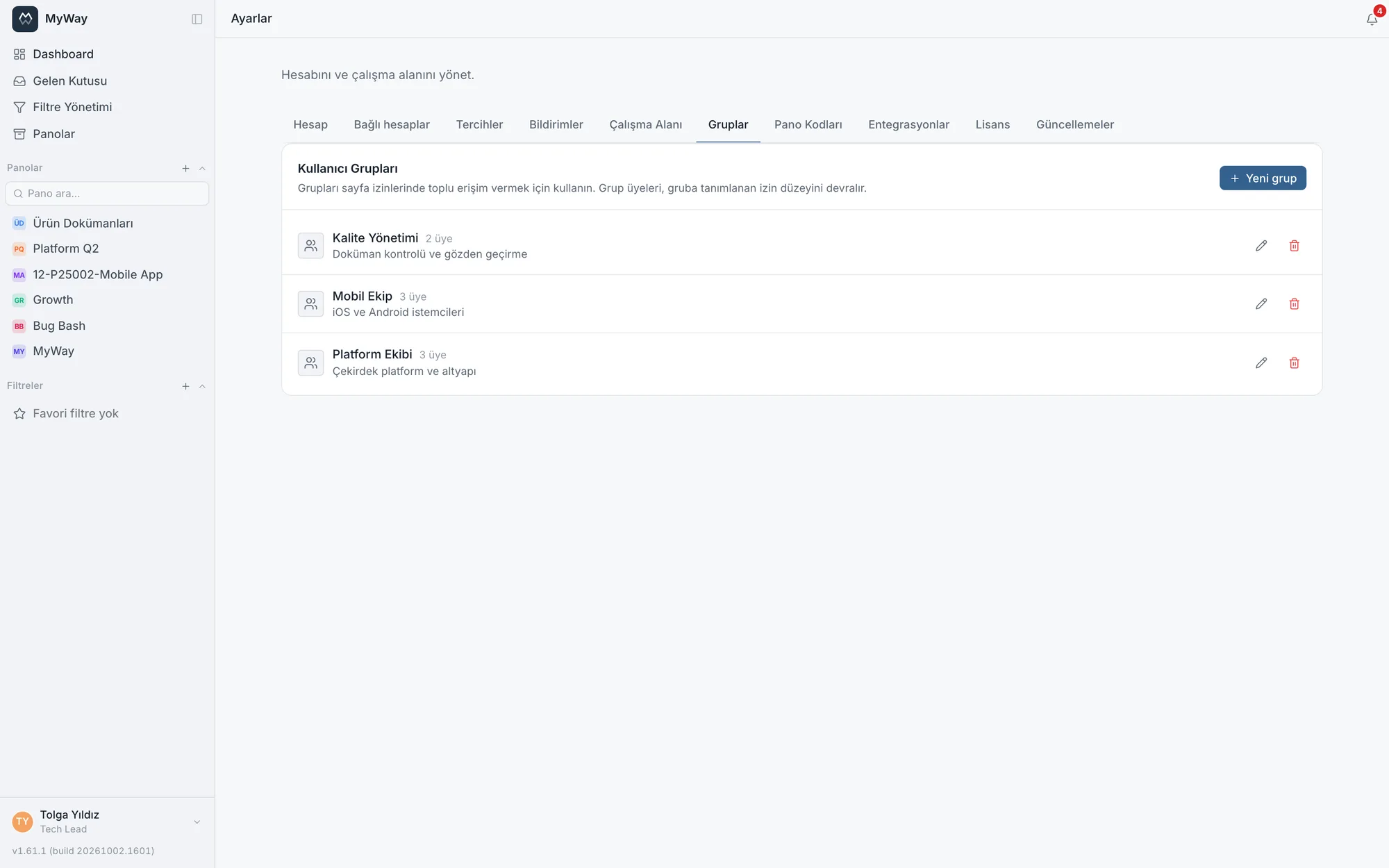
Üye ve grup eklemek
- Panoya kişi ve grup aynı pencereden eklenir ("Üye ya da grup ekle"): ararsınız, rolü eklemeden ÖNCE seçersiniz
- Kişi, grup ve davet bağlantısı aynı rol listesini görür; panonun hazır ve özel rollerinin hepsi üçünde de seçilebilir. Özel bir rol tanımlamak onu gruba ya da davete verilemez kılmaz
- Bir kişi ya da grup birden çok rol taşıyabilir
- Davet bağlantısı yalnız o panonun gerçek rolleriyle üretilir; uydurma ya da başka panoya ait bir rolle davet oluşturmak reddedilir
- Çalışma alanı üye listesi (Ayarlar > Çalışma Alanı) ada göre alfabetik sıralıdır, arama kutusu vardır ve liste kademeli yüklenir: yüzlerce kişilik bir kurulumda aradığınızı ada ya da e-postaya göre bulursunuz. Listeyi gruba göre süzebilirsiniz; yönetici ayrıca role ve etkinliğe göre (Şu an çevrim içi, Son 7 günde etkin, 30 günden uzun süredir görülmedi, Hiç giriş yapmadı) süzebilir ve listeyi son görülmeye göre sıralayabilir
Arayüz izinleri bilir: yetkiniz olmayan pano ayarı sekmeleri artık gösterilmez. Önceden sekmeye girip içeriği görebiliyor ama hiçbir şey yapamıyordunuz. Aynı şekilde yetkisi olmayana "Yeni görev" düğmesi, yorum kutusu ve denetim kaydı sekmesi çizilmez.
Panoda belirleyici olan PANO ROLÜDÜR (v1.58.0). Çalışma alanı yöneticisi üyesi olduğu bir panoda o panodaki rolünün izinleriyle çalışır: panoya "Görüntüleyen" olarak eklenmiş bir yönetici orada görev düzenleyemez. Kişi hem doğrudan hem bir grup üzerinden eklenmişse iki yoldan gelen roller birleşir, dar olan geniş olanı kısıtlamaz. Tek istisna süper yöneticidir: üyesi olmadığı bir panoyu yönetebilmesi için orada tam yetkiyle çalışır. 1.58.0 öncesinden yükselttiyseniz yöneticilerinizin pano rollerini bir kez gözden geçirin; önceden rolleri ne olursa olsun tam yetkiyle çalışıyorlardı.
Grup olarak pano üyeliği
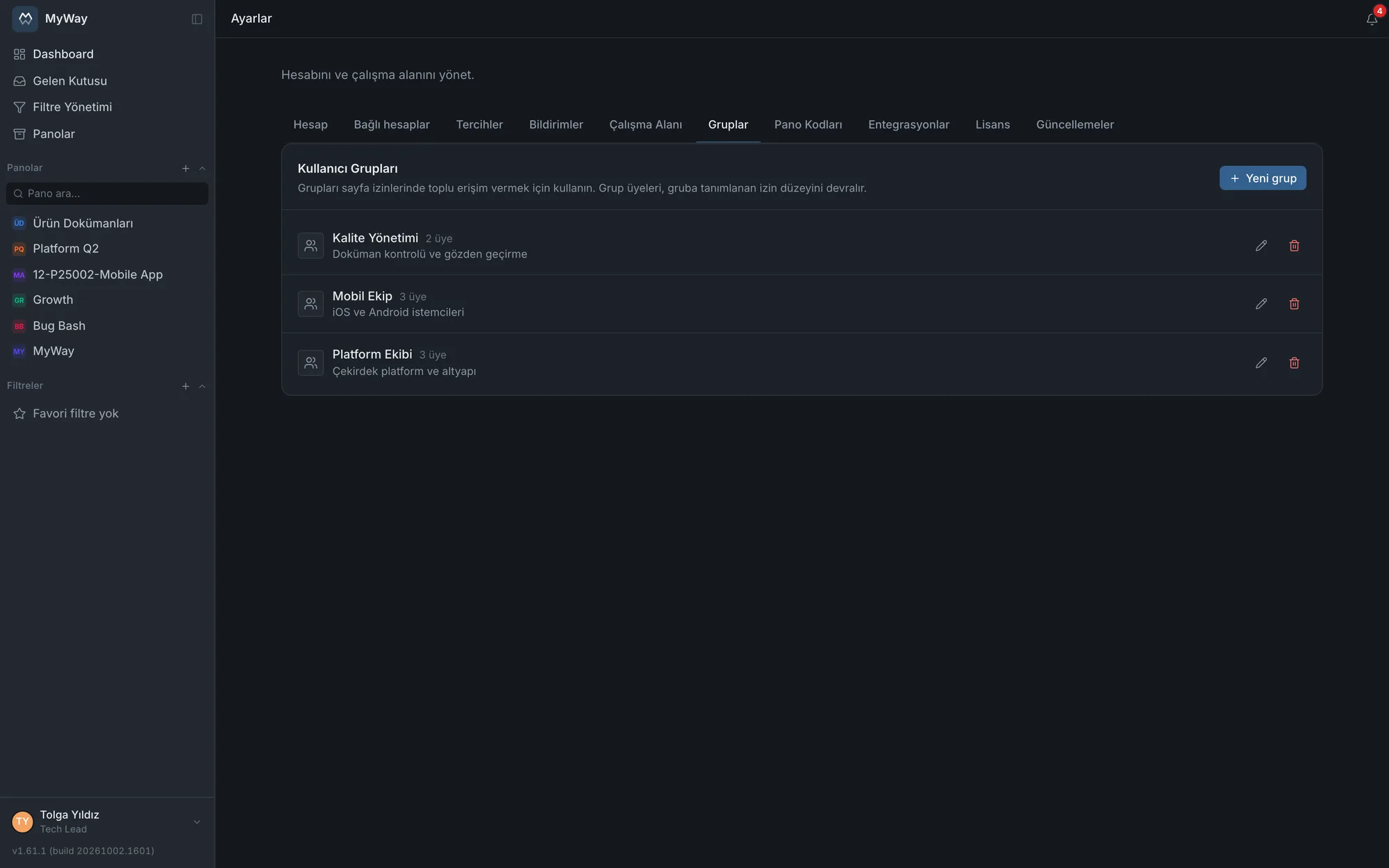
Panoya kişi yerine grup da ekleyebilirsin (Pano Ayarları → Üyeler → Gruplar). Grubu rolüyle eklediğinde tüm üyeleri o panoya erişir; gruba sonradan katılan erişimi kendiliğinden alır, ayrılan kaybeder. Panoları tek tek düzenlemen gerekmez.
- Bir kişi hem doğrudan üye hem grup üzerinden üyeyse geniş olan yetki geçerlidir
- Panonun yönetimini yalnız bir grup sağlıyorsa o grup kaldırılamaz; önce başka bir yönetici atanmalı
- Grup ekleme, çıkarma ve rol değişiklikleri denetim kaydına yazılır
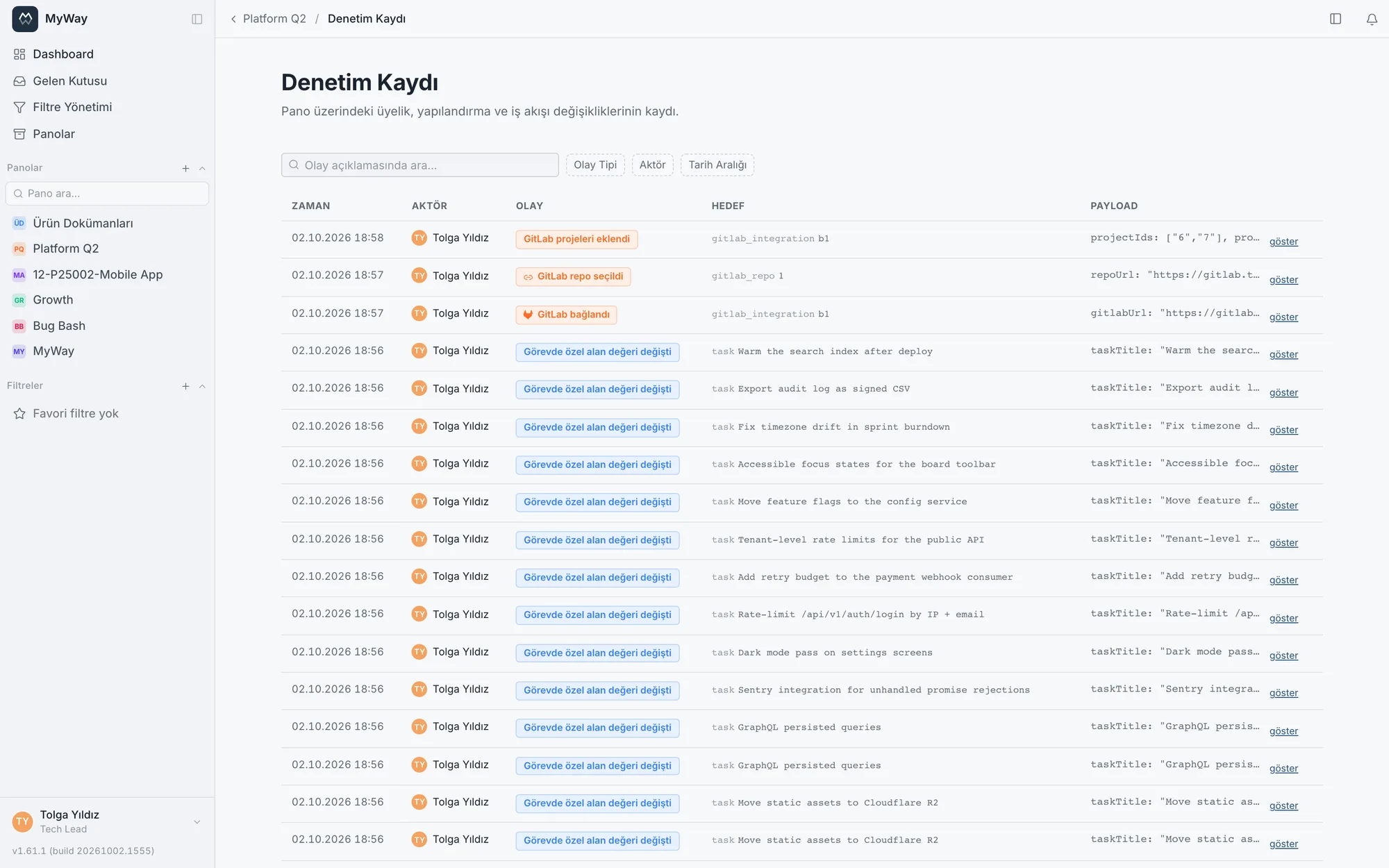
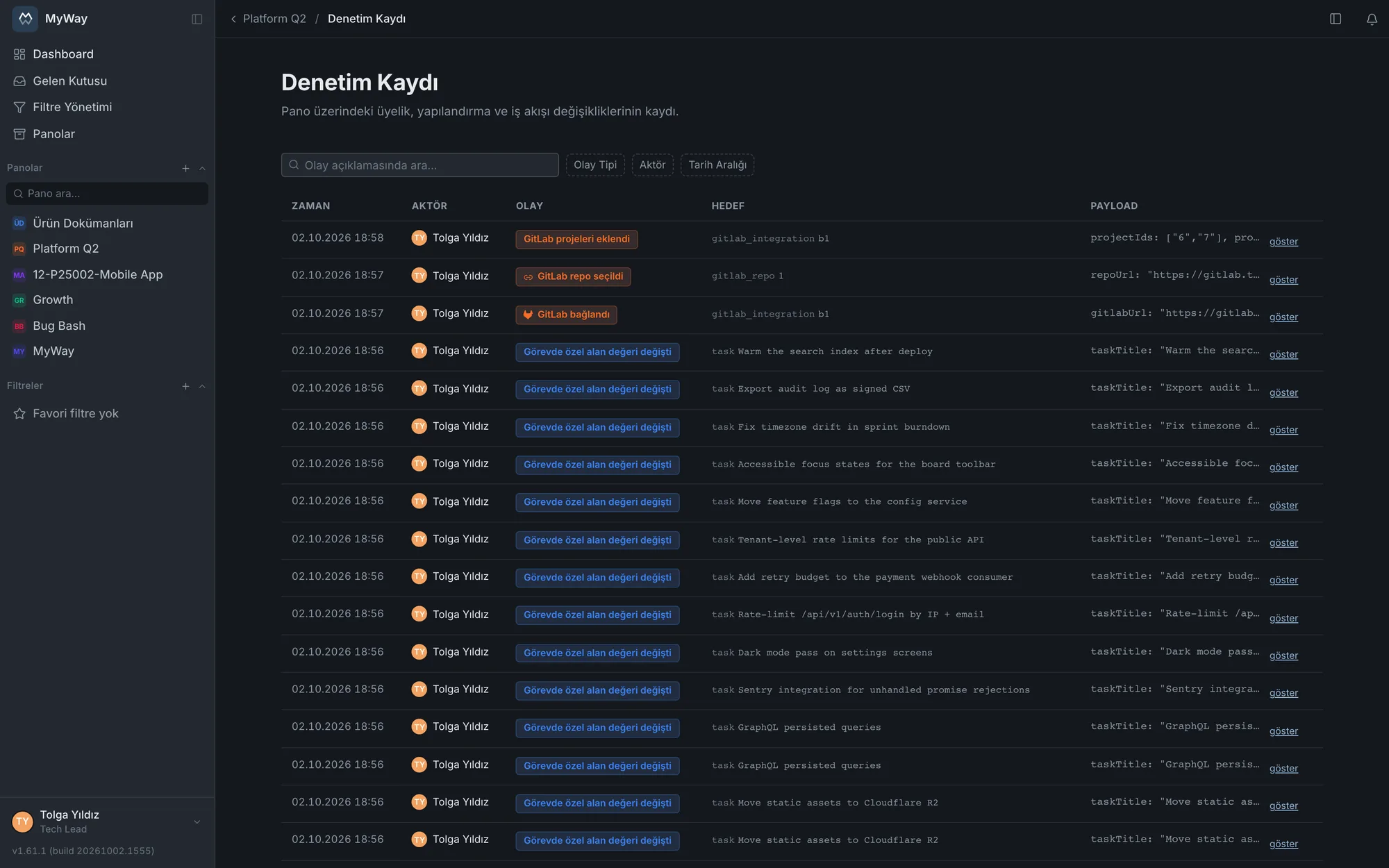
Denetim günlüğü
Tüm kritik olaylar (rol, sürüm, alan, üyelik değişiklikleri vb.) denetim günlüğüne kim-ne-ne zaman olarak işlenir. Günlük filtrelenebilir; uyum denetimlerinde kanıt olarak kullanılır.